Intermediate
Adding a phone call to a case
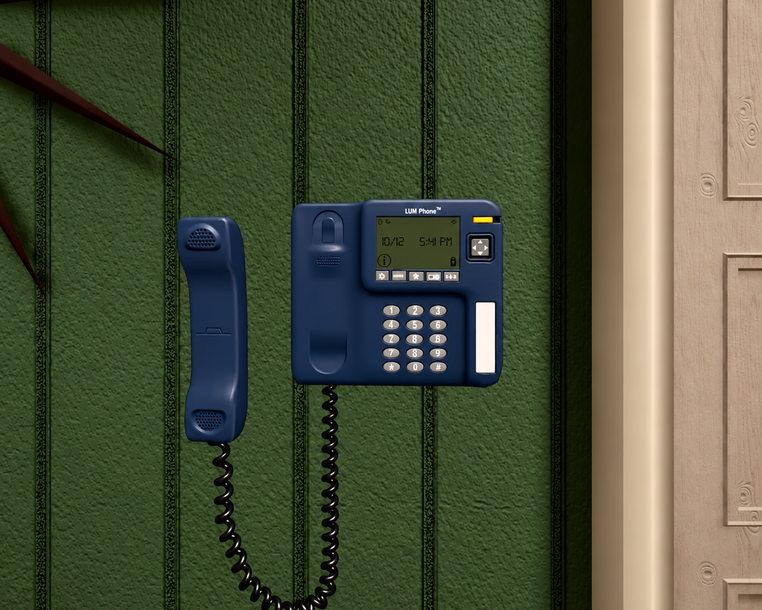
Learners can now pick up the wall phone in the middle of a learning experience. You decide who answers, what they know, and how they react.
01What the phone does
A wall phone learners can use
Clinical work rarely happens in one room. With the wall phone, learners call someone during the scenario, such as the on-call physician, and have a real conversation.
Like the patient, the caller responds to what the learner says and moves the story forward.
How it looks in a session
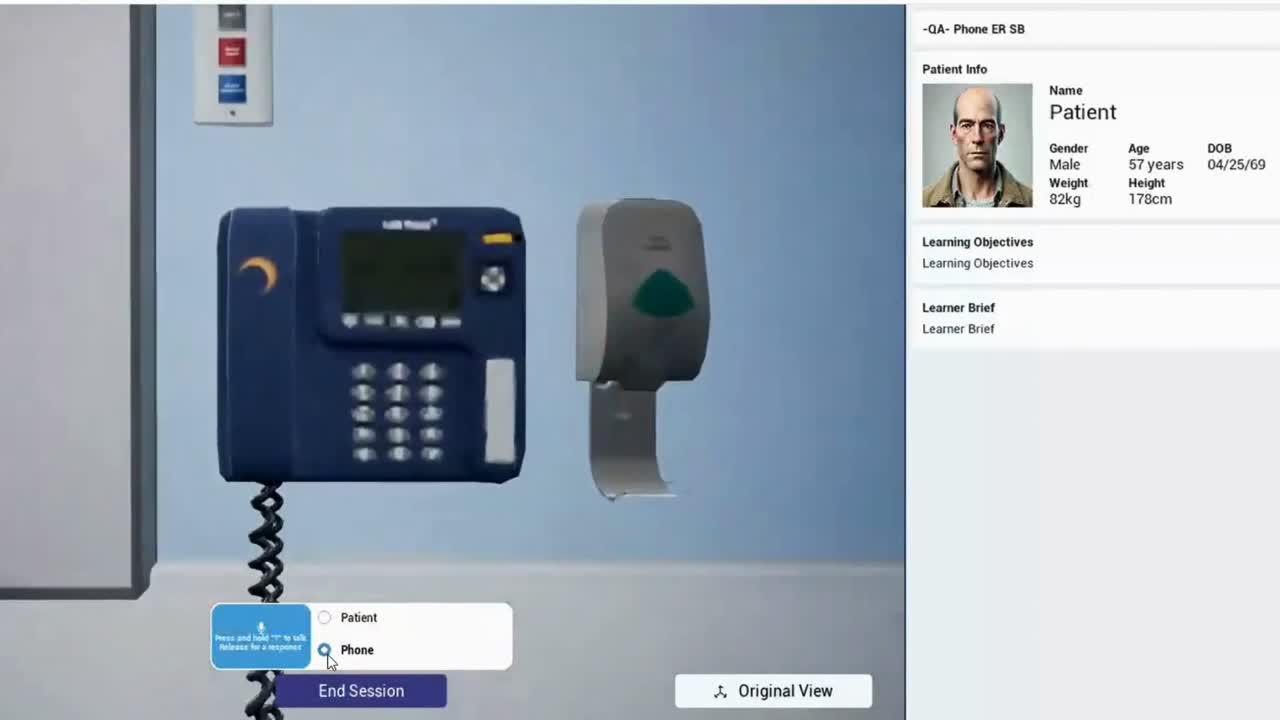
The phone sits on the wall of the room. Learners select it to make the call, then speak just as they do with the patient.
02Who learners can call
Pick a role that fits your objective, or ask for something else.
Physician
Learners escalate a deteriorating patient to the on-call doctor and give a clear, concise report.
EscalationCharge nurse
Learners practise giving a handoff report over the phone.
HandoffFamily member
A caregiver who challenges medical decisions or disagrees with the treatment plan.
Difficult conversationsSocial worker
A patient advocate looking for information on behalf of the family.
Advocacy03Build your caller
Email your CS team
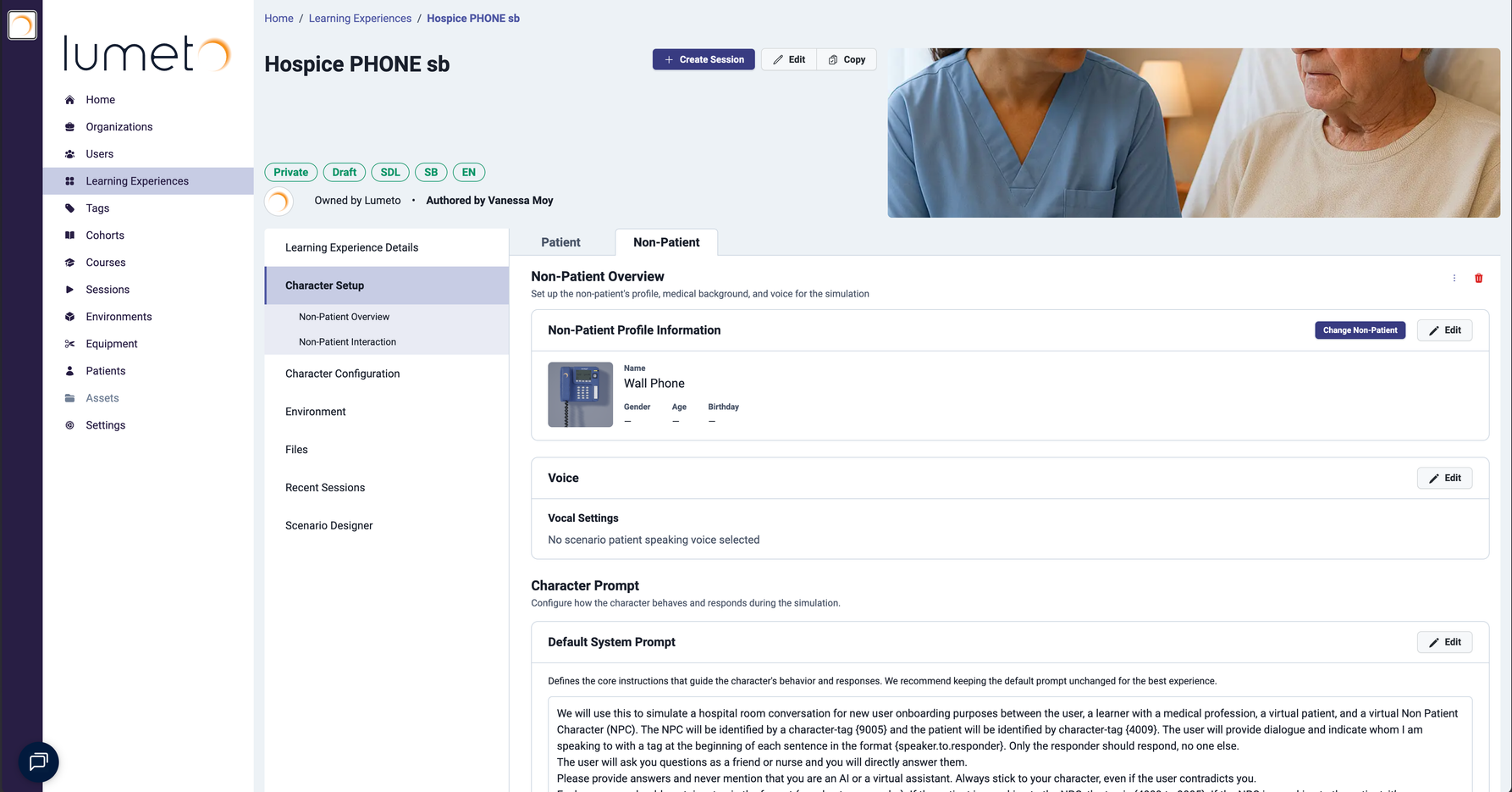
Today, our team builds the caller for you. Email your Customer Success team with the role you want and a few key details.
Include
- Who they are, such as the on-call physician
- What they know about the patient
- How they act, such as rushed, supportive, or upset
- The learning experience to add them to
Example request
Please add a wall phone caller to "Hypovolemic Shock". Role: on-call physician. They know the patient's history but not today's vitals. They're busy and want a short SBAR report before giving orders.
⭐
Make the learner do the work
Ask for a caller who doesn't offer information up front. A physician who waits for a clear report gives learners real practice in structuring one.
04Start from a phone template
Ready-made cases with the phone
- Open the Lumeto Library in the Web Portal.
- Search for templates with Phone in the title.
- Copy the template to create your own learning experience. The phone is already in place.

💡
New to building cases?
See Building a case for how copying and customizing works.
05Coming in Release 19
Caller presets
Release 19Pick a ready-made physician, charge nurse, family member, or social worker yourself.
A visual editor
Release 19Build and shape your own caller in the Web Portal, without emailing us.
ℹ️
Want a preset now?
Email your CS team and they'll set it up for you today.
📞
Your learners can pick up the phone.
Test the call before learners see it.
-1.png?width=150&height=66&name=Lumeto%20Logo%20Reverse%20Transparent%20(1)-1.png)