Beginner
Best practices for VR facilitation
Practical ways to run calm, focused VR sessions that help learners build skills and reflect.
01Before learners put on headsets
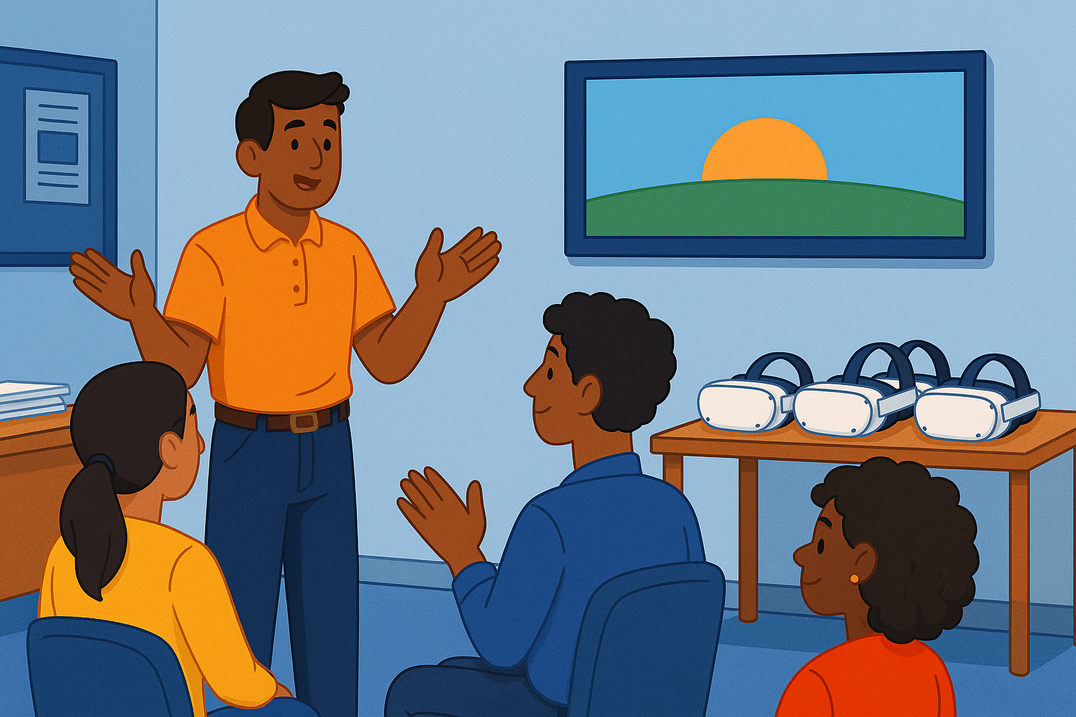
Get the room ready
- Charge and update every headset.
- Check the Wi-Fi is strong and stable.
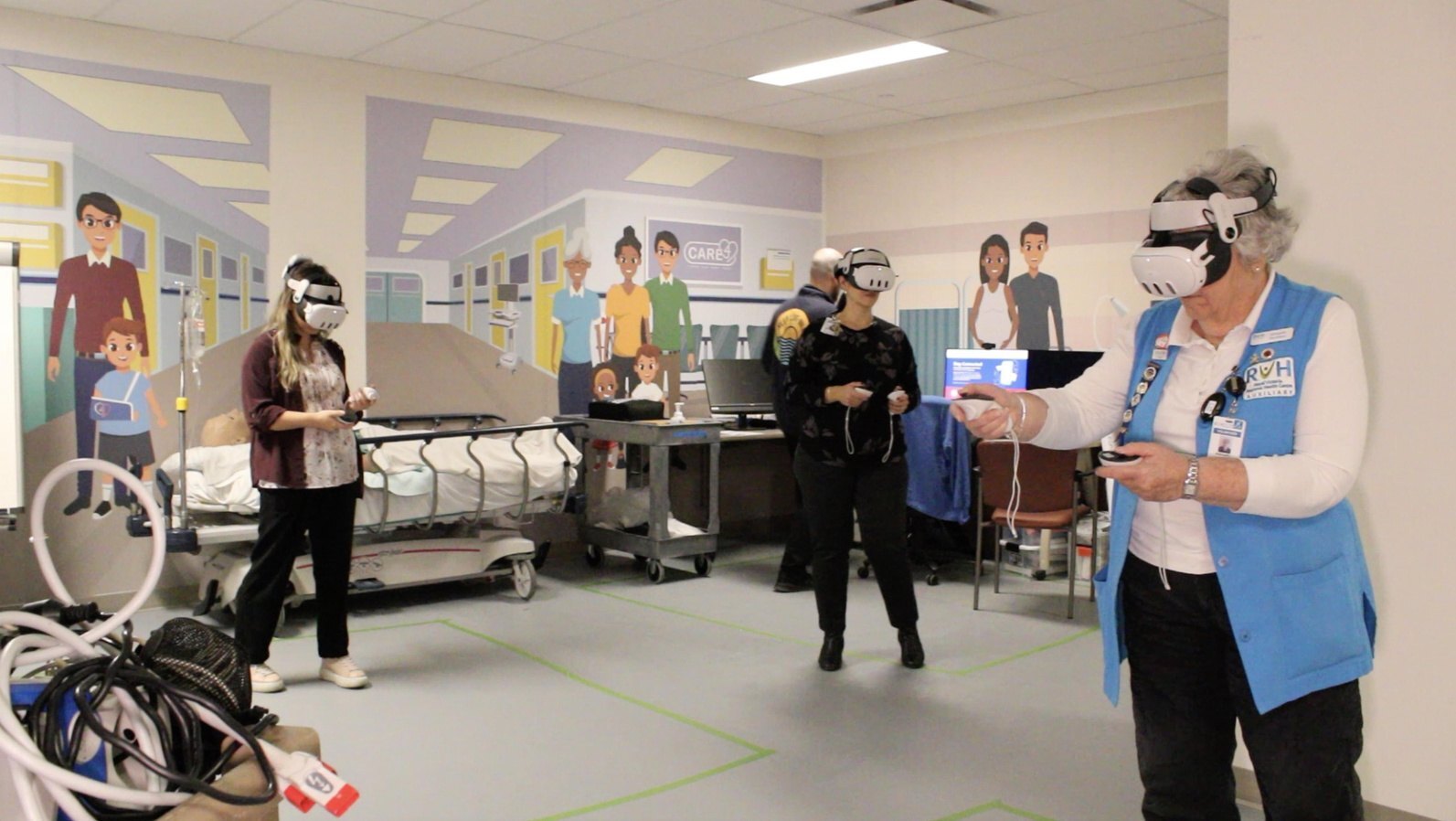
- Clear the space, and make sure it fits everyone taking part.
- Brief learners on the goals and what to expect.
02Set learners up for success
Especially for first-timers
Fit and controls
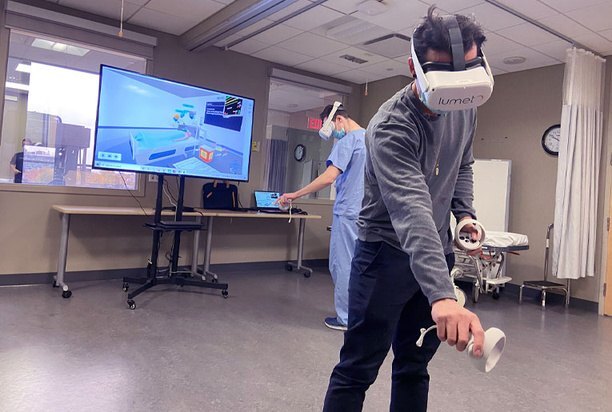
Show them how to wear the headset and hold the controllers, and give them time to explore. See the controller guide.
Start short
Begin with 10 to 15 minute sessions and build up as they get comfortable.
Audio
Headphones or a dongle improve clarity and comfort.
Way out
Remind them how to exit or ask for help.
Safe to fail
Make it clear that mistakes are part of learning here.

03Be a calm presence
Watch
Follow each learner's progress in the Trainer App.
Prompt, don't steer
Use your voice or prompts to encourage decisions, not make them.
Step back
Only step in when you need to.
04Use trainer features
Keep learners engaged
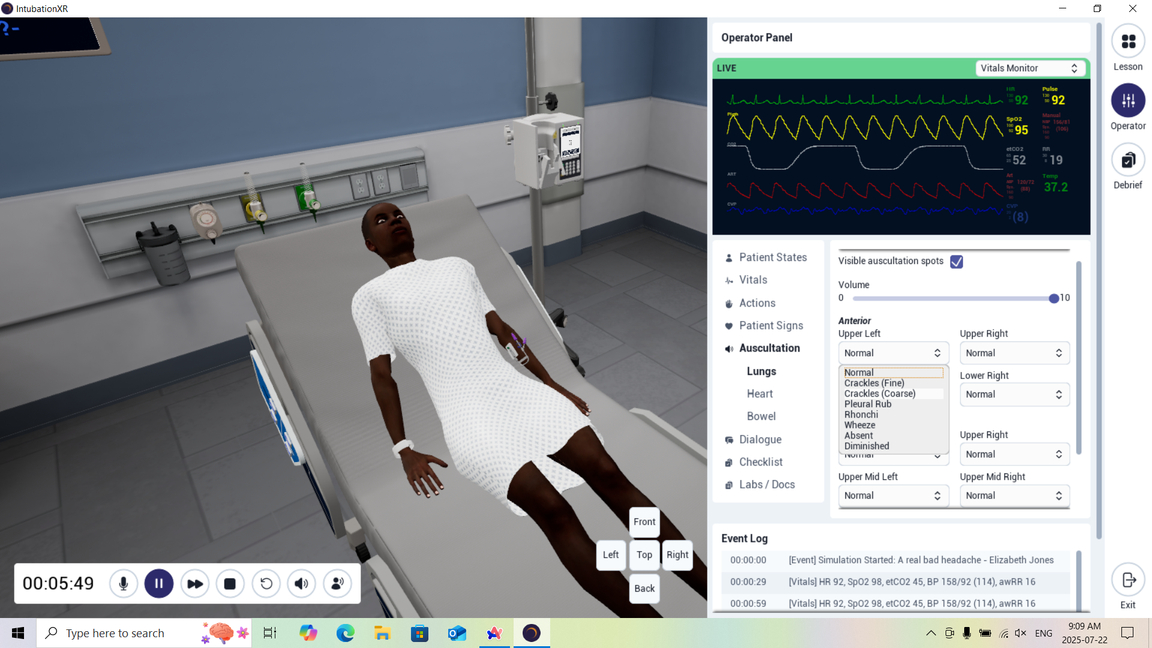
Scenario events
Trigger events as learners progress.
Files
Share resources to the EMR tablet to reinforce key information.
Checklist
Track learner actions in real time.
Patient states
Change the patient's condition to add complexity.
ℹ️
How-to
Each feature is covered in Running an instructor-led session.
05Close the loop with a debrief
Turn the session into learning
- Use the debrief tool to review key moments.
- Rewind, annotate, and replay with learners.
- Reinforce clinical decisions and communication.
- Invite self-reflection and peer feedback.
06Plan ahead
Keep these handy
- Backup headsets, charged
- Your Wi-Fi network name and password
- A test run of each learning experience before the session
💡
Something not working?
⭐
You're ready to facilitate.
Schedule your next session.
-1.png?width=150&height=66&name=Lumeto%20Logo%20Reverse%20Transparent%20(1)-1.png)