Beginner
Scheduling instructor-led training (ILT)
Set up a live session, add learners, and run it from the Trainer App.
Release 18What's changed on this pageEverything new →
01What is ILT?
Live training you lead
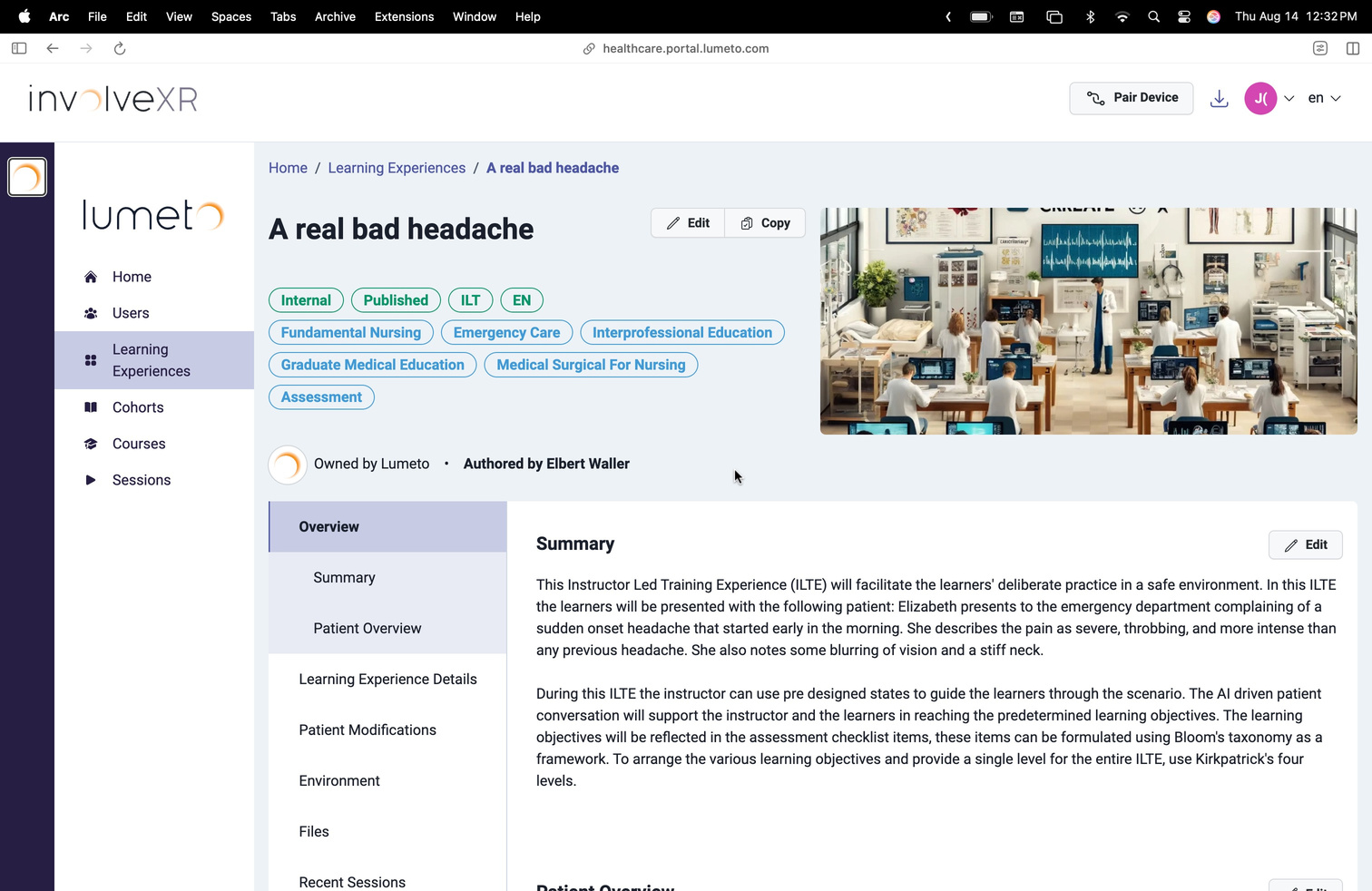
Instructor-led training runs live VR sessions with as many learners as you like. You create the session, assign a case, and launch it when you're ready. You stay in the session to observe, guide, control, and debrief.
02Create a session
Updated
From the Sessions tab
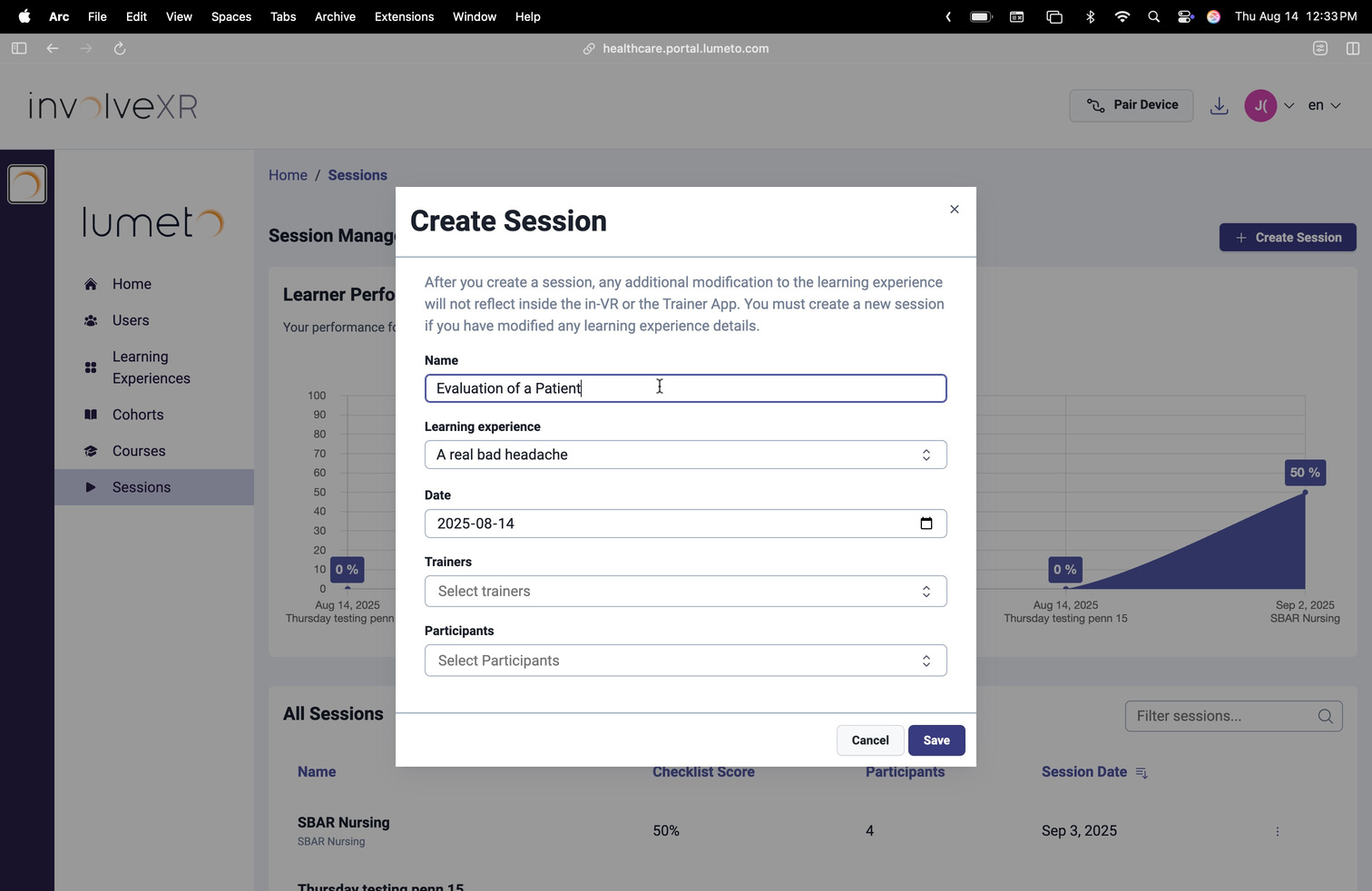
- Go to Sessions in the Web Portal.
- Select Create Session.
- Name the session and choose the case to run.
- Set the date.
Or straight from a learning experience
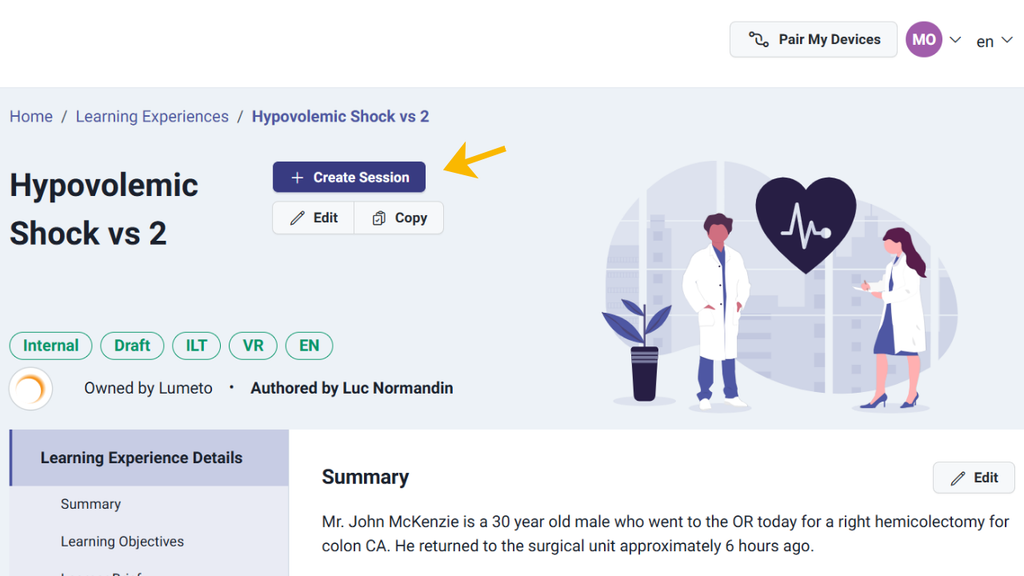
Found the learning experience you want? Create the session right from its page.
- Open the learning experience.
- Select Create Session.
- Name the session and set the date. The case is already chosen.
03Add participants
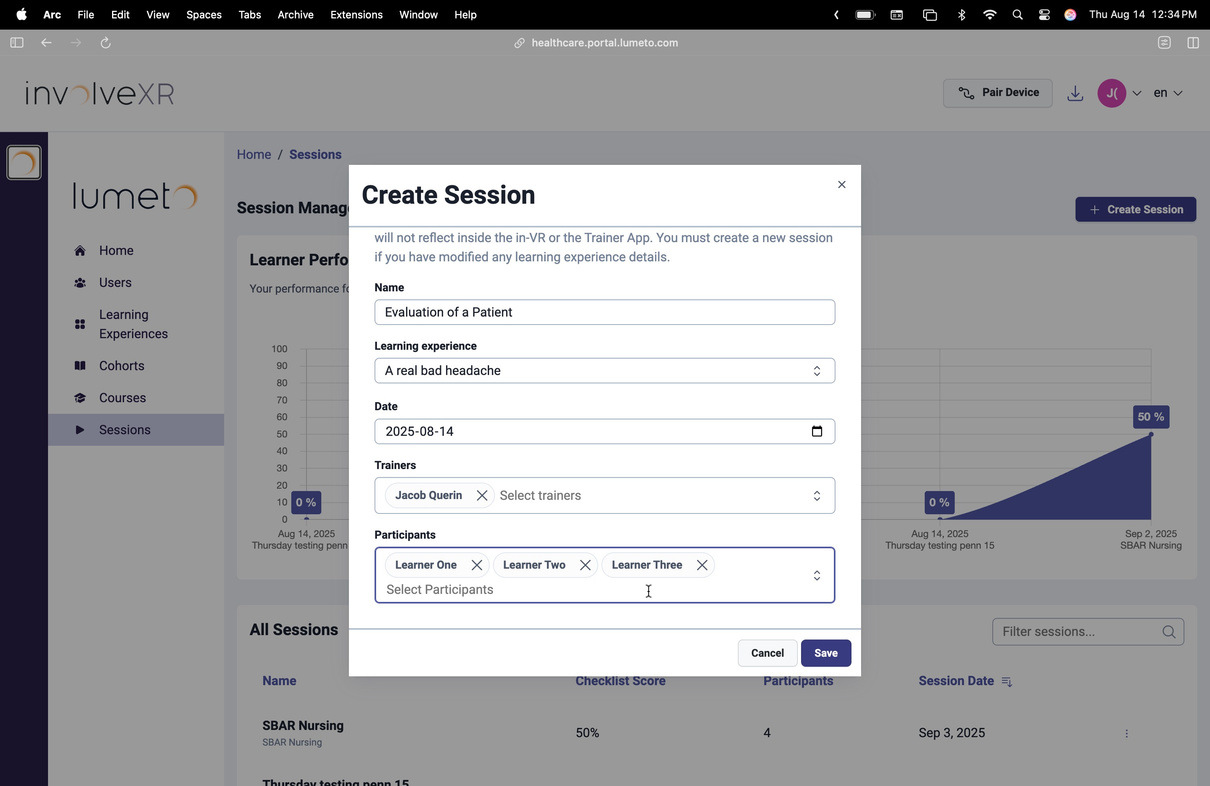
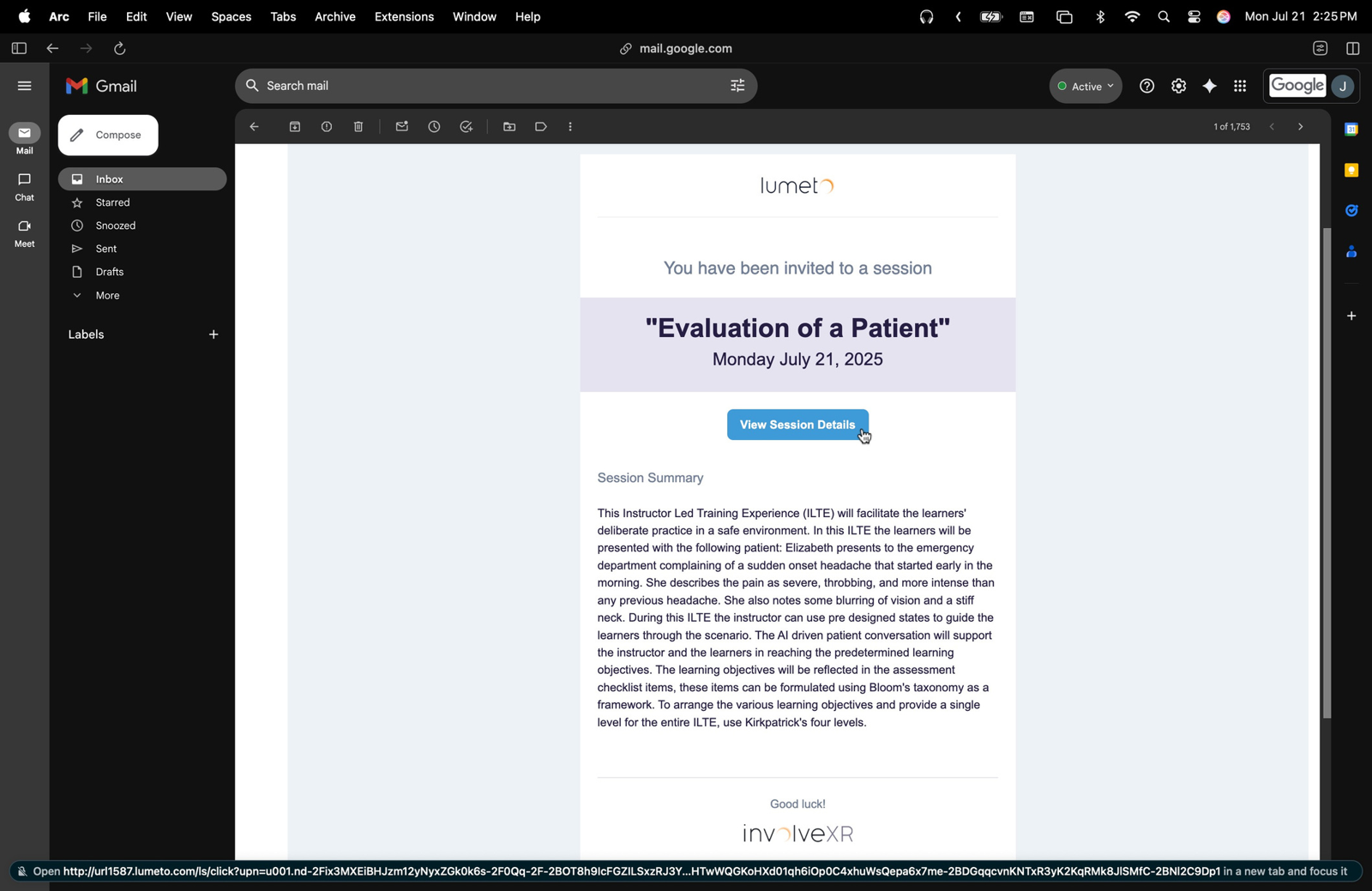
Select learners by name to assign them. Each learner gets an email. You can also add observers, such as faculty or other learners, to watch.
04Launch the session
Open the Trainer View
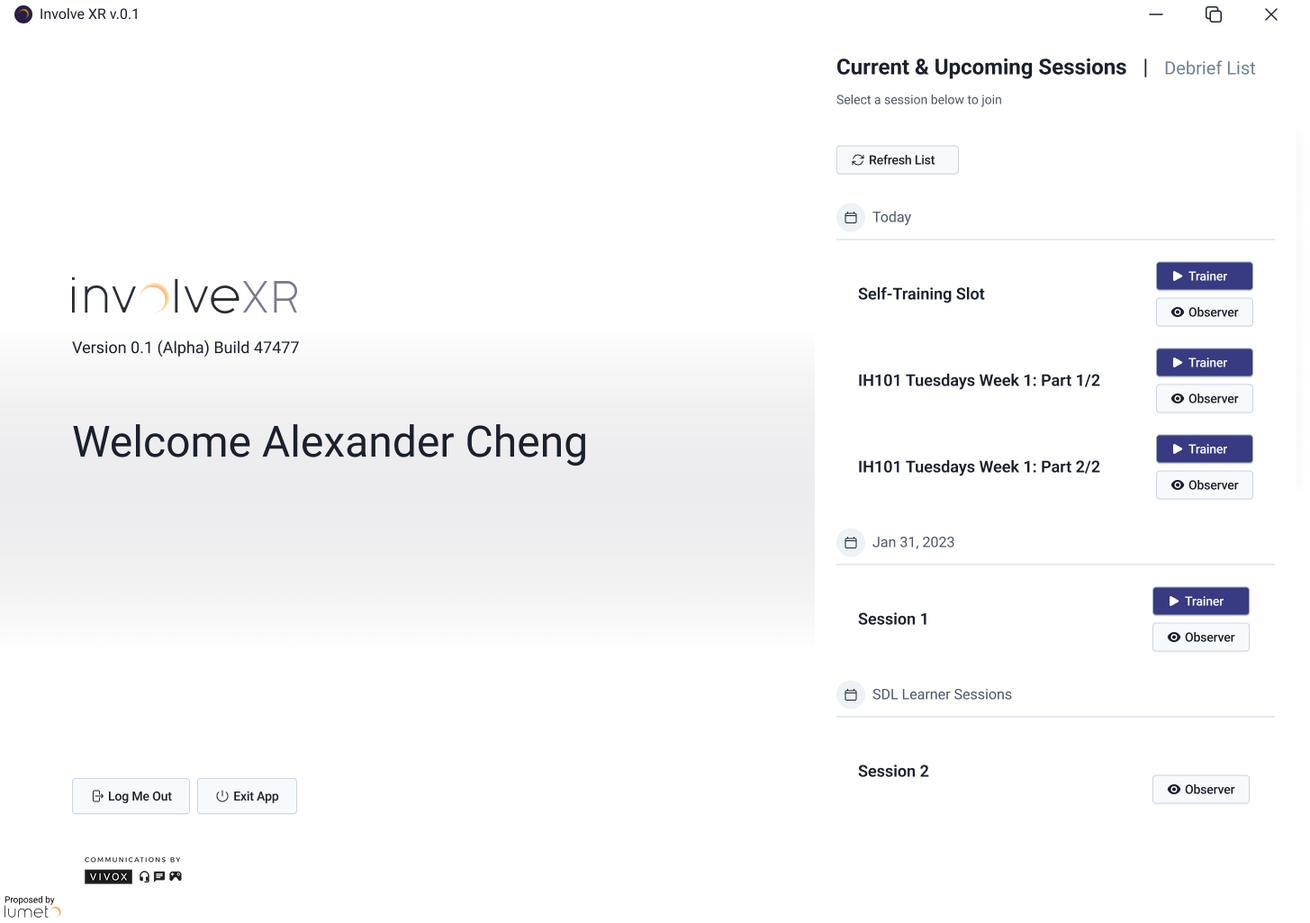
When you're ready, sign in to the OnScreen app and select Trainer. The Trainer View lets you:
Start
Begin the scenario for everyone.
Monitor
Follow each learner's progress.
Intervene
Trigger events or interruptions in the scenario.
05After the session
Review the report
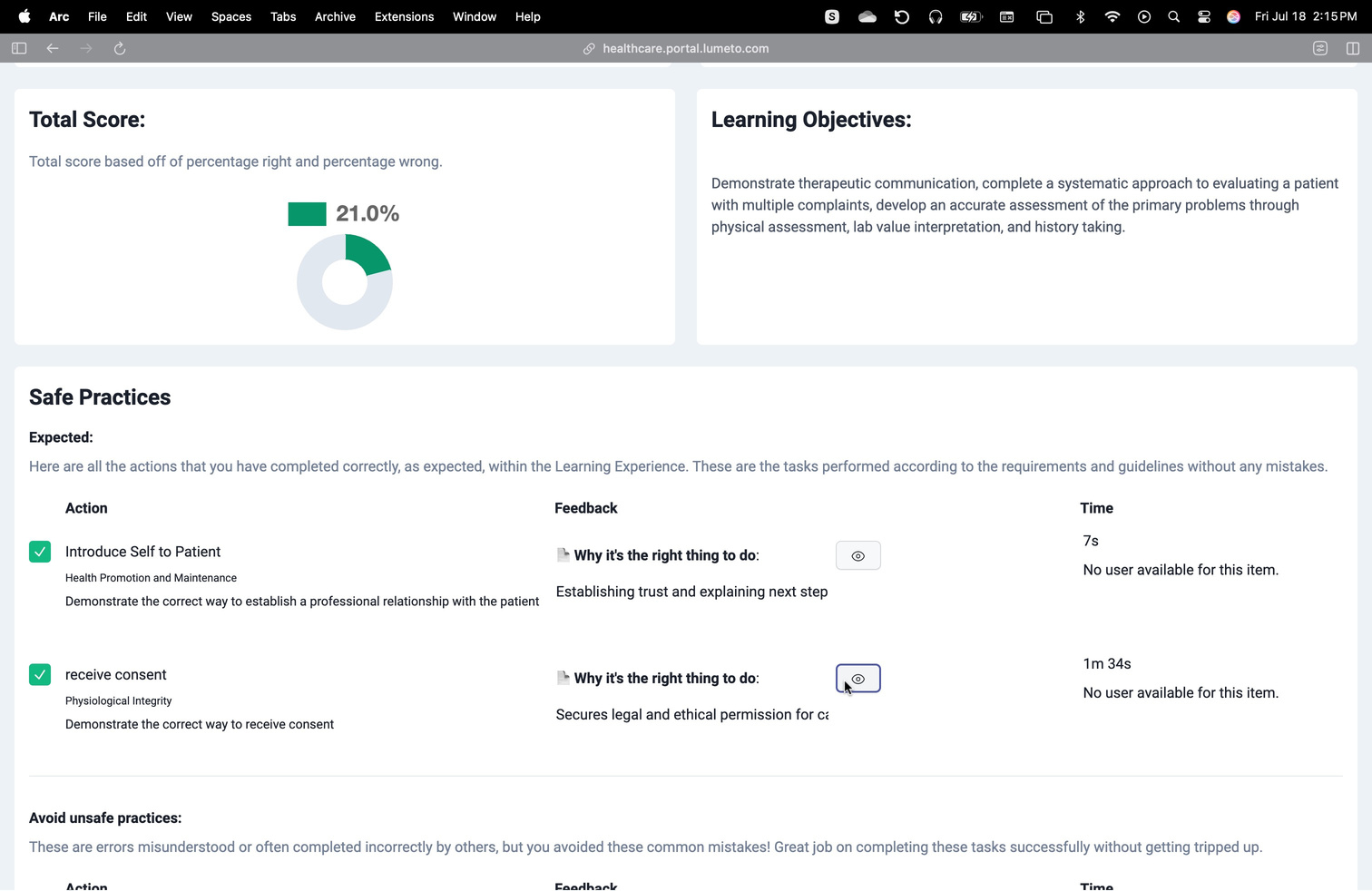
When the session ends, a report appears in the Session History tab, with learner actions, time on each task, and checklist completion. Use it to guide your debrief.
🎓
You're ready to run live training.
See how to make the most of the results.
-1.png?width=150&height=66&name=Lumeto%20Logo%20Reverse%20Transparent%20(1)-1.png)