Beginner
Scheduling self-directed learning
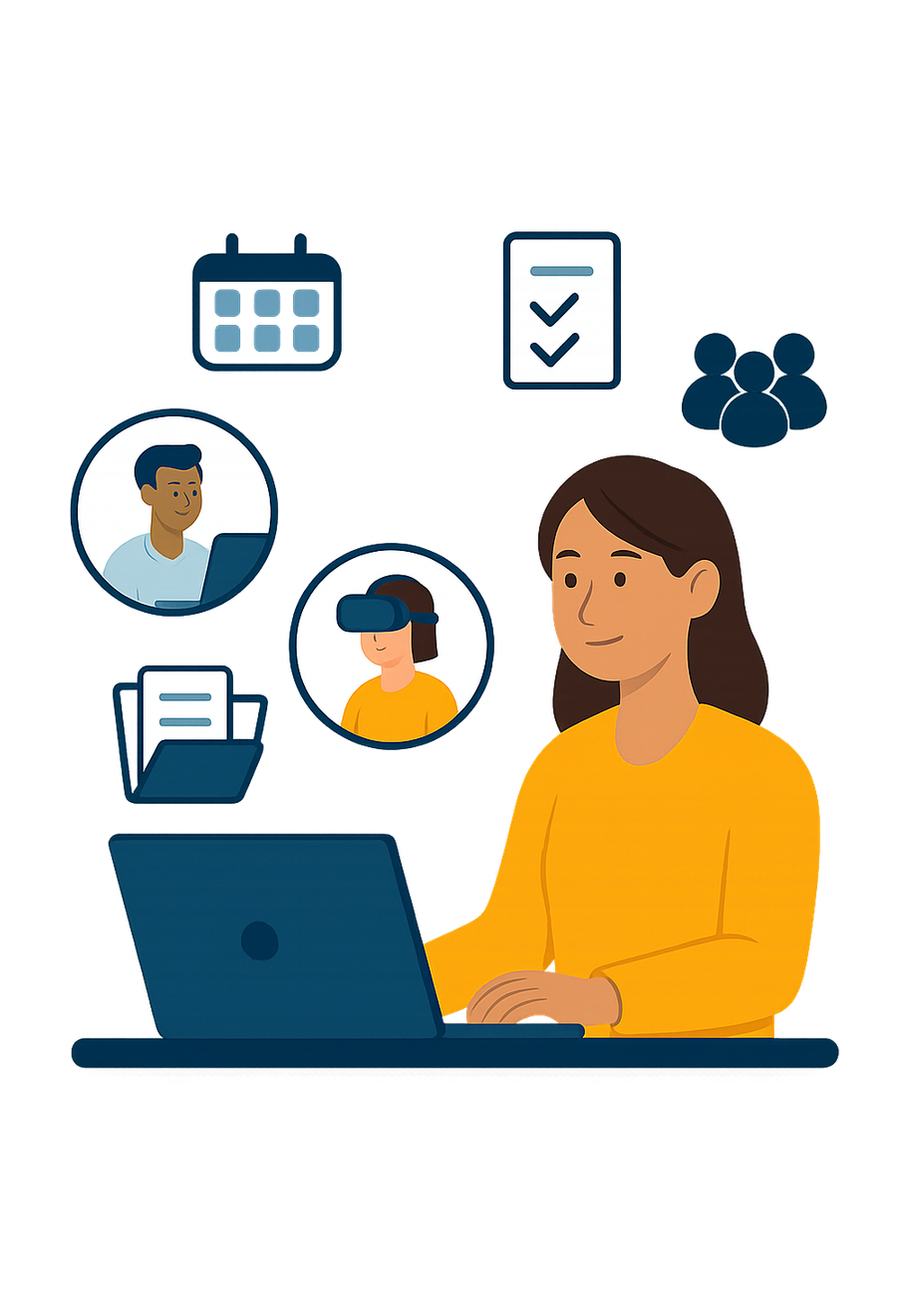
Group learners into a cohort, build a course, and they can complete cases on their own time, in VR or OnScreen.
Release 18What's changed on this pageEverything new →
01What is self-directed learning?
Learning at their own pace
Self-directed experiences let learners complete cases independently, on their own schedule, in VR or OnScreen. Two kinds of experiences work this way:
Screen-based
OnScreenFoundational knowledge and scalable onboarding. Good for async assignments, remediation, or prep before a simulation.
Self-directed
VR or OnScreenIndependent clinical judgement. Works in both VR and OnScreen.
02Step 1: Create a cohort
Updated
Group your learners
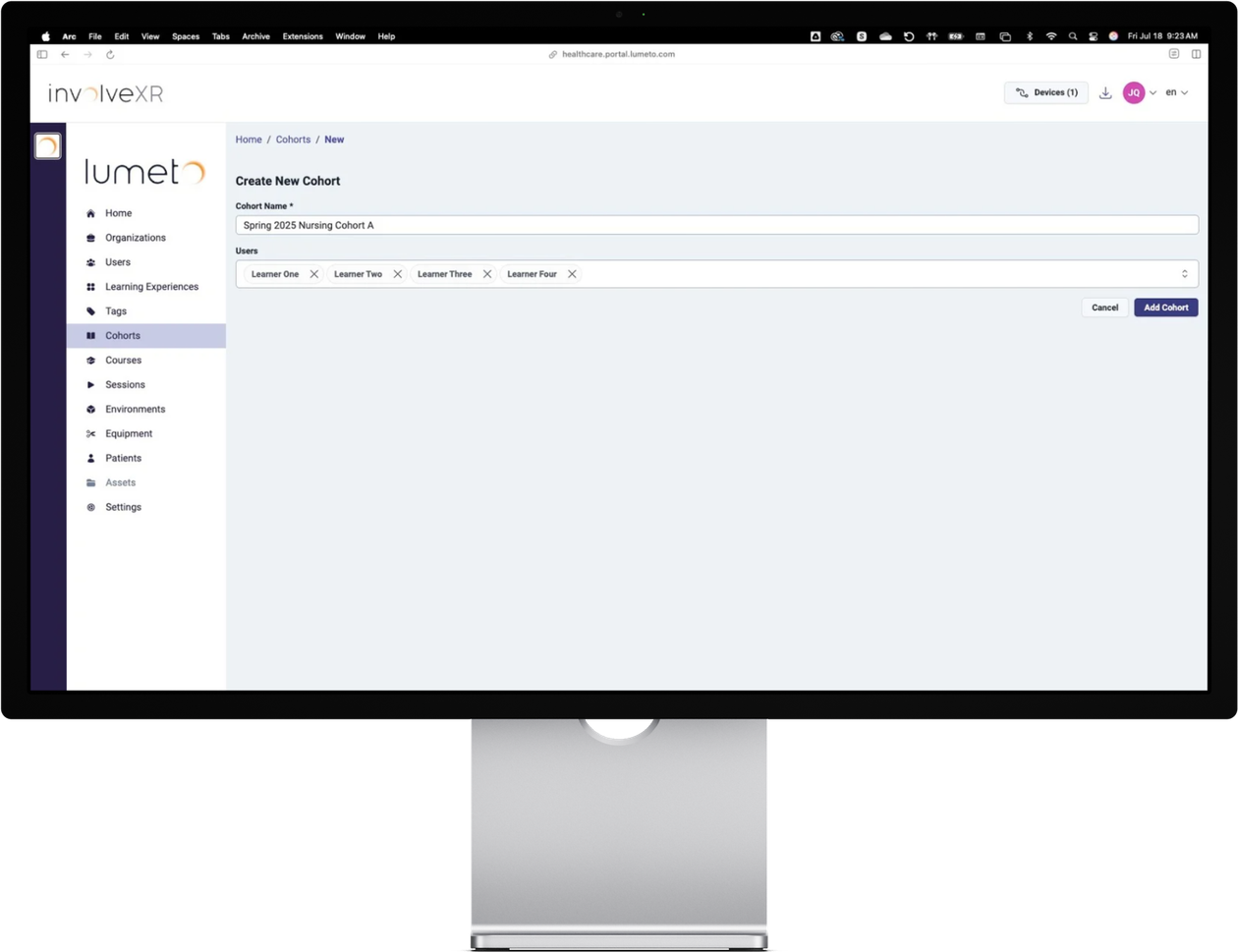
- Go to the Cohorts tab.
- Select Add Cohort.
- Name it after the group, such as "Spring 2026 Nursing Cohort A".
- Add learners by name, then select Add Cohort.
💡
Why cohorts?
Cohorts group learners so you can assign work and track their progress together.
💡
Add people as you invite them
You can now add someone to a cohort in the same step as inviting them. See Inviting users.
03Step 2: Create a course
Add cases to a course
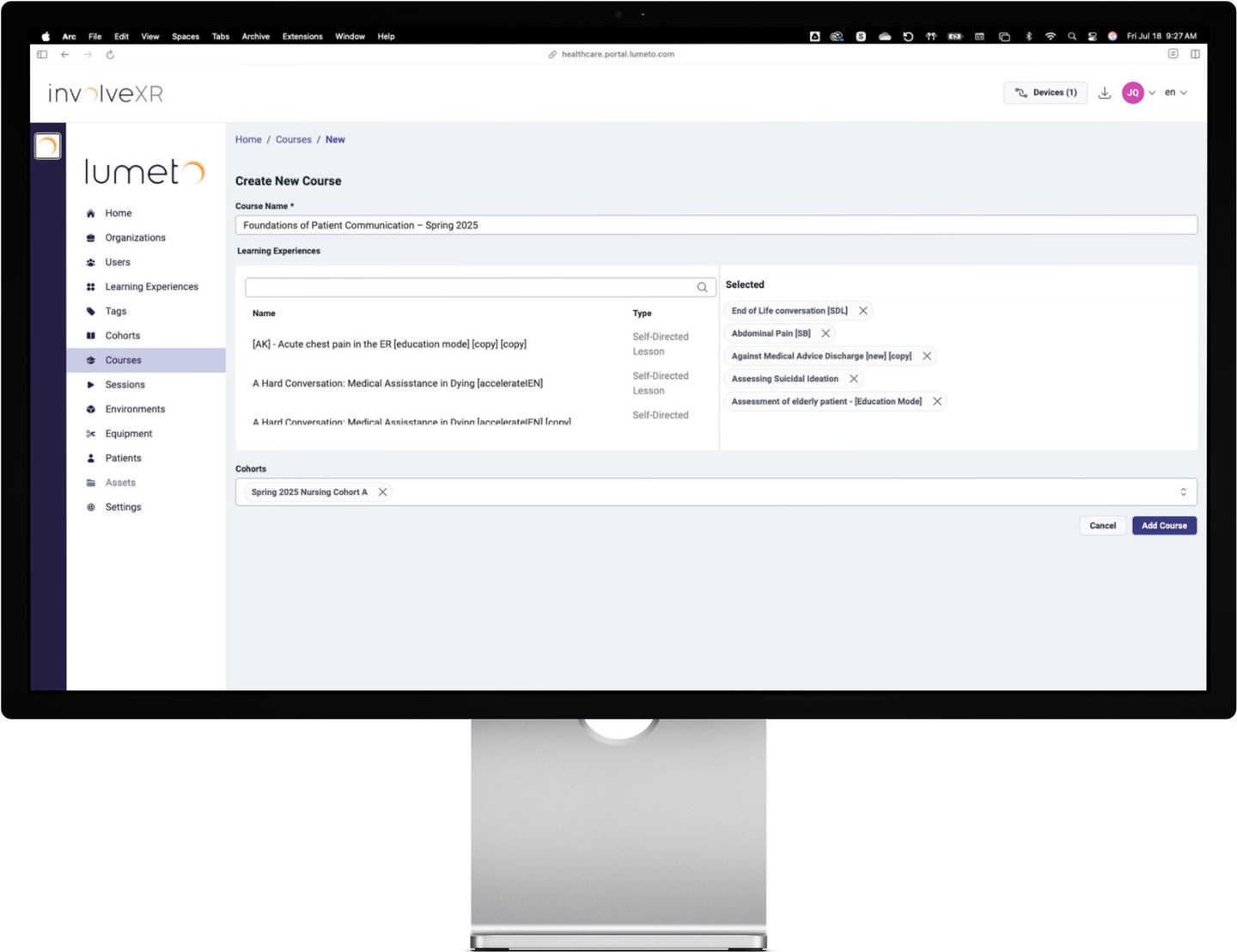
- Go to the Courses tab and select Add Course.
- Name the course.
- Select the cohort you just made.
- Add self-directed or screen-based experiences, then select Add Course.
04Step 3: Assign and monitor
Updated
What learners see
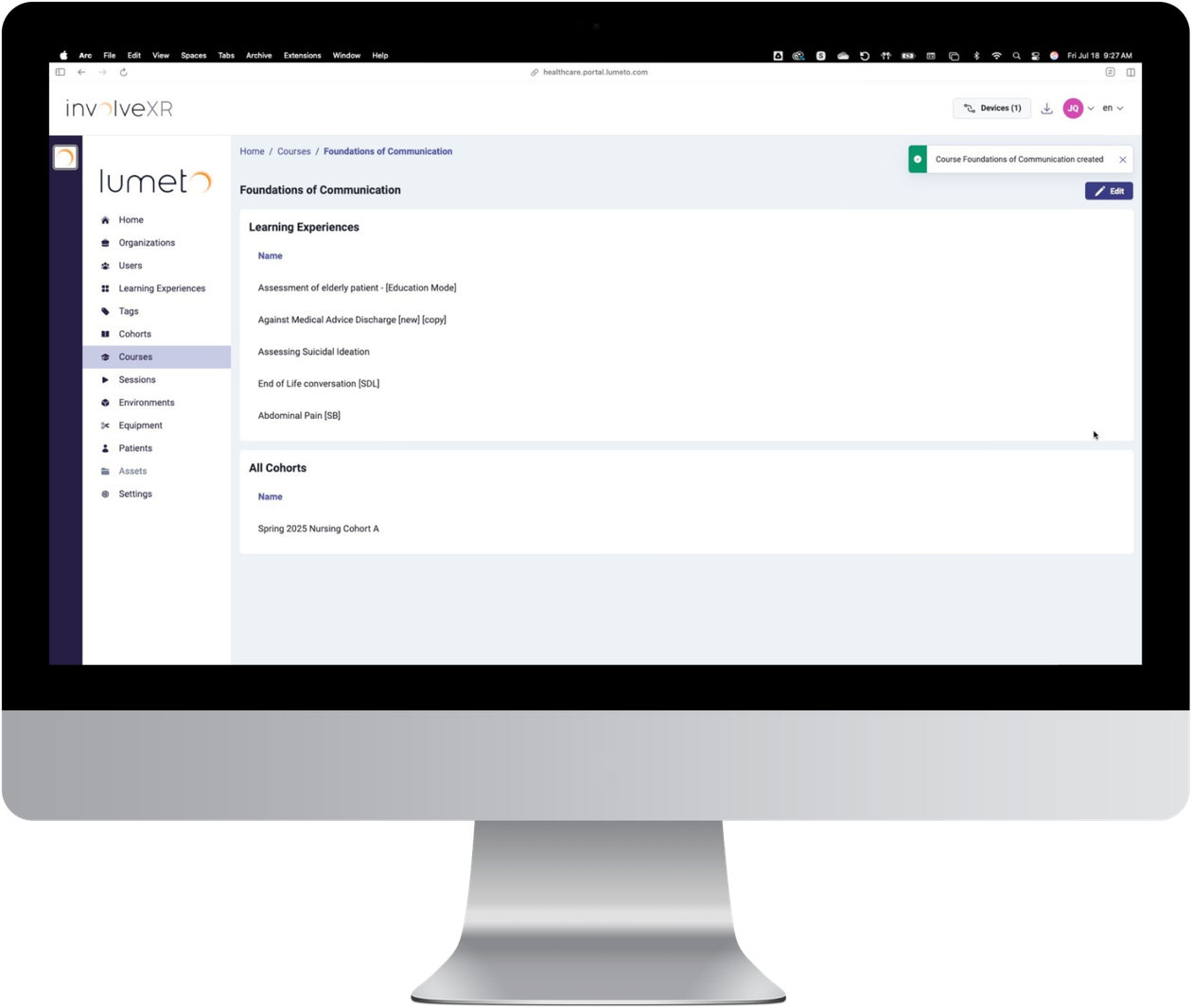
Learners only see what's in their course. You can edit the course at any time to add or remove experiences and cohorts.
Learners also get
- A short description under each checklist item, so they know what's expected when working on their own
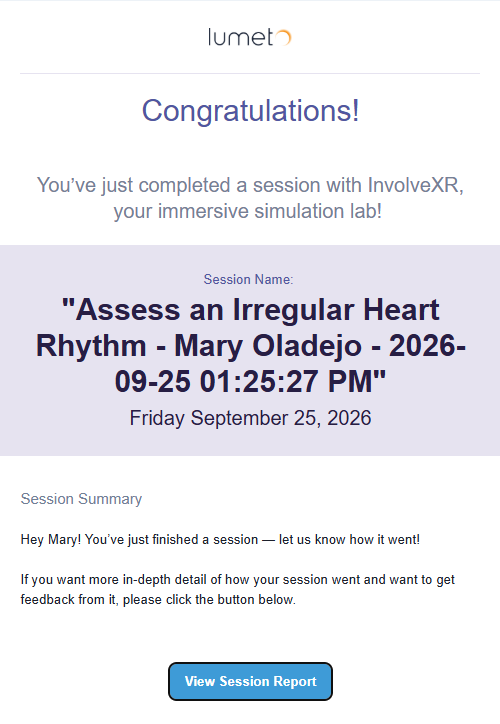
- Their session report by email, sent automatically when the session ends, in VR and on screen

📅
Your course is live.
Track how learners are doing.
-1.png?width=150&height=66&name=Lumeto%20Logo%20Reverse%20Transparent%20(1)-1.png)