Release notes
What's new in Release 15
Medication in OnScreen, new rooms, another stroke sign, full conversation transcripts, and better tools for building cases.
01OnScreen: medication and new rooms
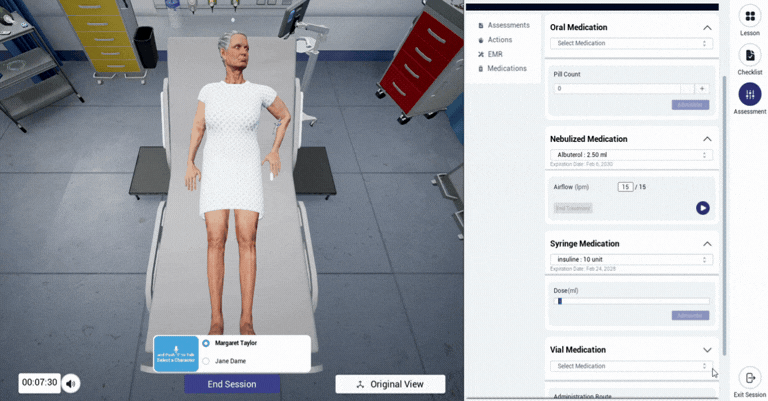
Give medication in OnScreen
Teach and assess medication administration on screen, across five routes:
IV by syringe · IM · Subcutaneous · Nebulized · Oral
Good for cases on safe IV administration, dosage calculations and medication rights, or nebulizer delivery and patient education.
Five more rooms
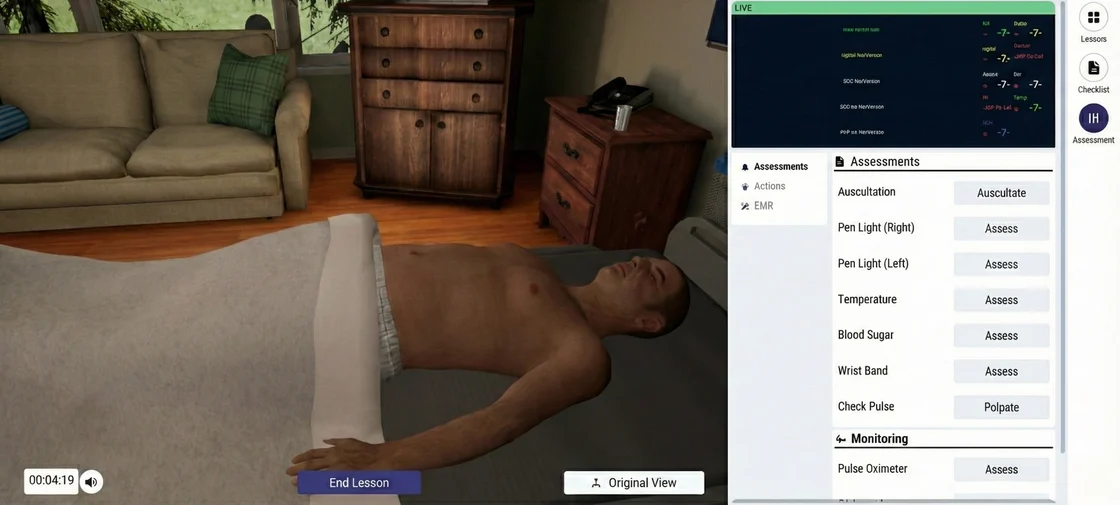
OnScreen cases can now take place in more settings, so the room matches what you're teaching:
Patient Room · Clinical Exam Room · Homecare · Hospice Room · Meeting Room
Find them in the Lumeto Library under Templates, using the Lumeto tag and the SB filter.
02Patients: another stroke sign
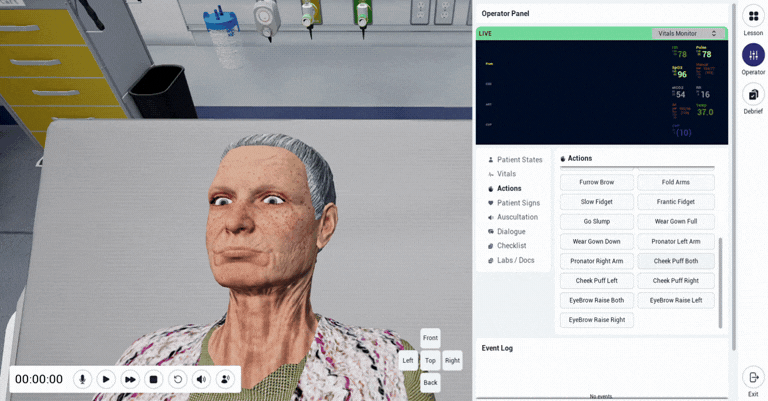
Cheek puffing
Stroke patients can now puff their cheeks, a subtle sign learners should spot and assess.
ℹ️
Want it in your case?
To add cheek puffing as a response when a learner asks for it, contact your Product Specialist.
03Case builders: more control
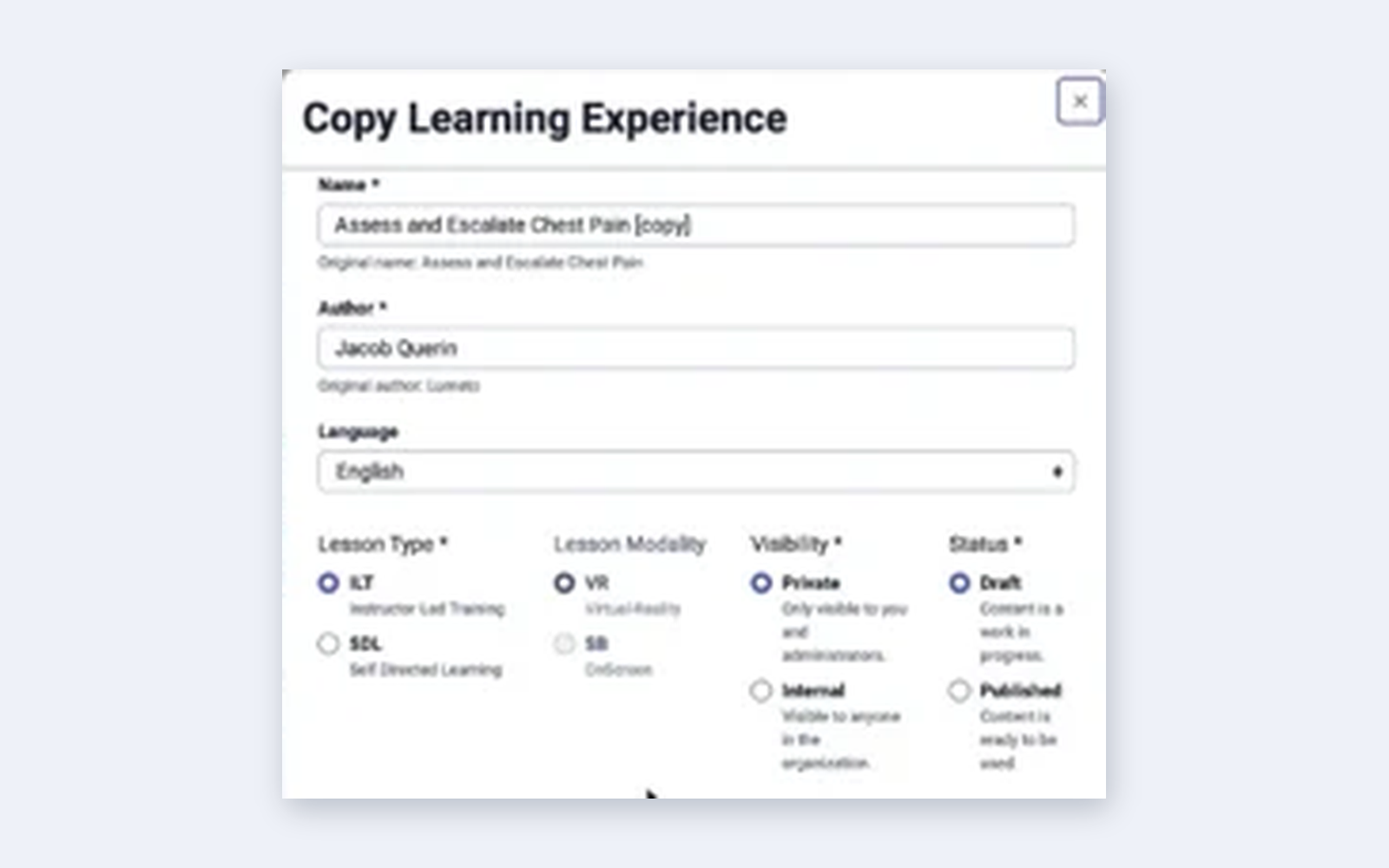
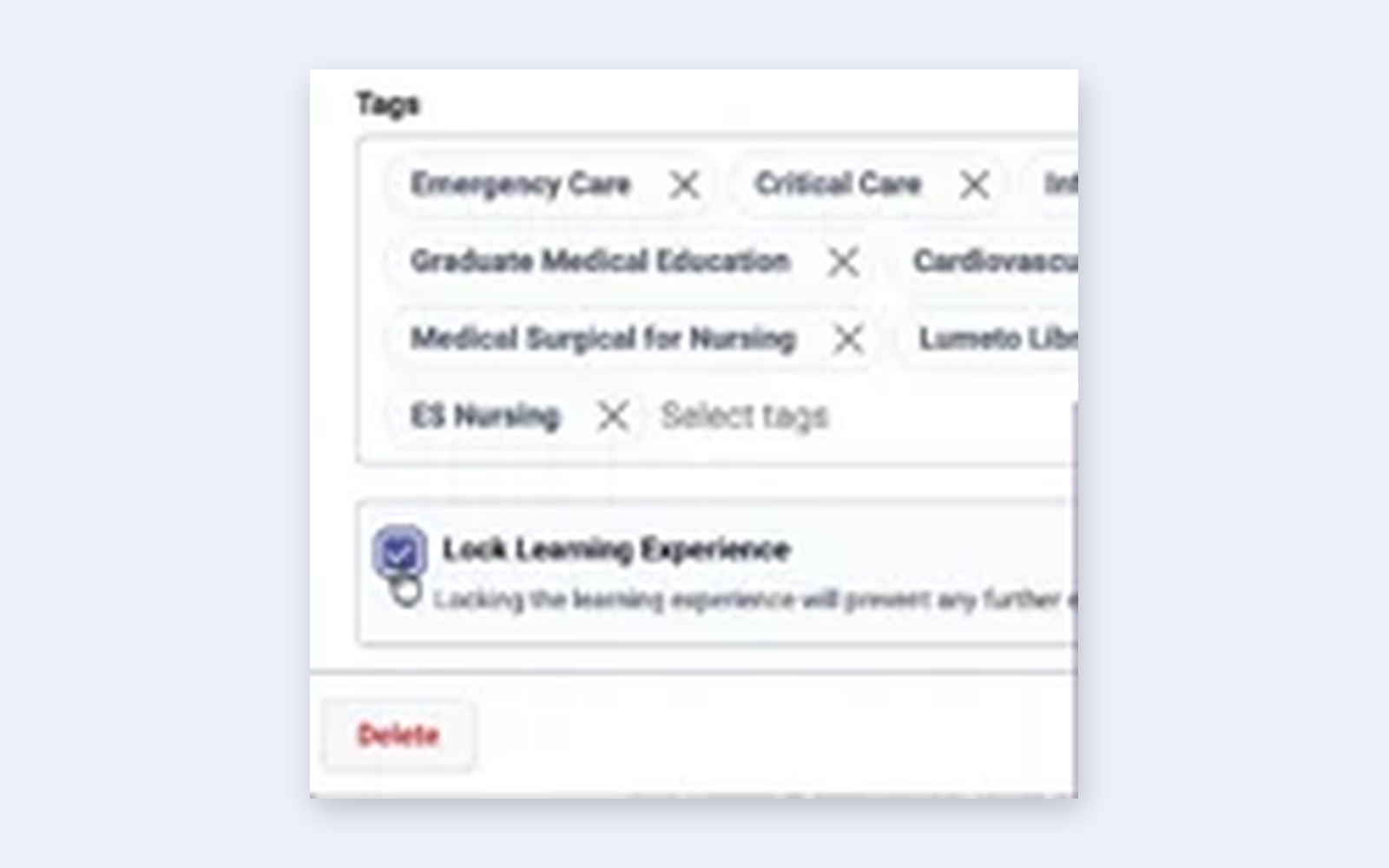
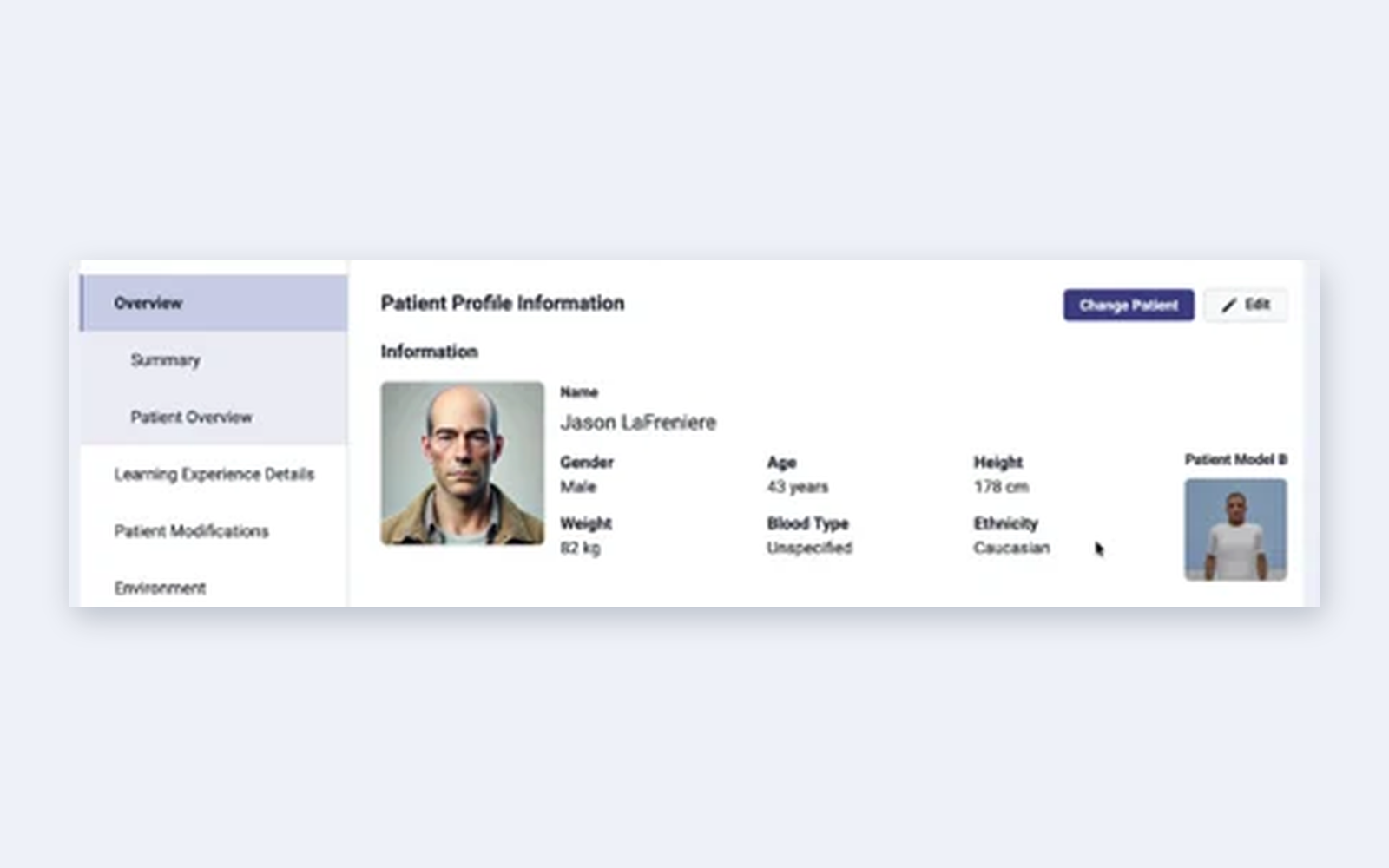
Four small changes that save time and prevent mistakes.

💡
Learn more
See Building a case and Customizing the assessment checklist.
04Debrief: full conversation transcripts
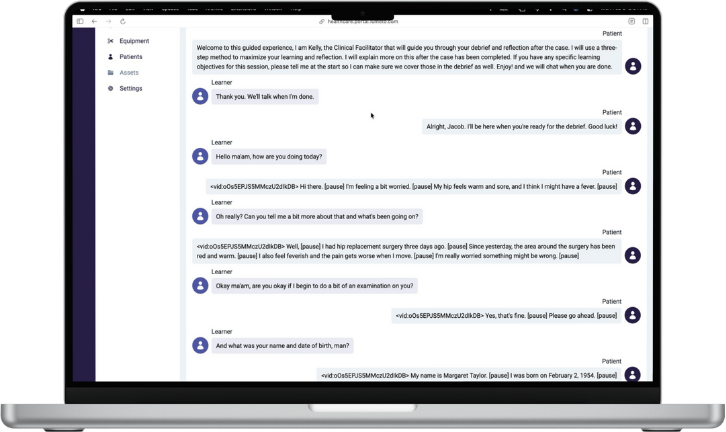
Every word, on the Session page
Educators and learners can read the complete conversation between the learner and every AI character, including the patient and other roles, right from the Session page.
Use it to
- See exactly what was asked, and what wasn't
- Spot missed cues tied to the checklist
- Give feedback based on what actually happened
05Under the hood: a new game engine
A stronger foundation
Release 15 moved InvolveXR to the latest version of its game engine, for better performance and a stronger base for future features.
ℹ️
One extra step at the time
Updating to Release 15 needed one extra download for the desktop app. The team planned to return to a one-step update in the next release. If you're having trouble updating, contact your Customer Success Manager.
🎉
That's Release 15.
See what came next.
-1.png?width=150&height=66&name=Lumeto%20Logo%20Reverse%20Transparent%20(1)-1.png)