Intermediate
Writing an AI patient prompt
The patient prompt decides how your AI patient talks, feels, and reacts. Here is how to write one that keeps the learner in charge.
Release 18What's changed on this pageEverything new →
01Why the prompt matters
Updated
Prompts drive the case
What the patient says, and when, shapes how learners progress.
- Use natural language and varied phrasing.
- Write the way patients really talk, with character and emotion.
- Add hints if useful, such as "If the learner hasn't asked about allergies…"

ℹ️
Writing for a phone call?
The new phone caller is shaped the same way as a patient: who they are, what they know, and how they act. See Adding a phone call to a case.
021. Patient background
Set the foundation
Start with who the patient is. Include:
Identity
Full name, age and date of birth, and gender identity or pronouns if relevant.
Health
Medical history, current medications, and allergies.
Social context
Living situation and family dynamics, such as living alone or caregiver stress.

"Your name is Raymond Ellis. You are a 72-year-old man with a history of COPD and Type 2 Diabetes. You live alone in a senior housing complex and your daughter visits occasionally. You are allergic to penicillin."
032. Tone, emotion, and speaking style
Tell the AI how the patient sounds and how their mood changes.
Voice
01"Speak with a soft, hesitant tone."
Triggers
02"Respond calmly but grow agitated when the nurse brings up family."
Shifts
03"You are cooperative at first, but become defensive if asked about substance use."
💡
Think about the arc
Does the patient start open and become closed off? Are they anxious, angry, or confused? Write that change into the prompt.
043. Behaviour rules
Firm rules keep the learner driving the conversation.
Response gating
"Do not list symptoms until specifically asked."
Initiative control
"Do not speak unless the learner starts the conversation."
Escalation cues
"If the learner seems dismissive, begin to shut down emotionally."
05Add conditional triggers
Conditional prompts reveal information only when the learner asks for it, so the AI never has to lead.
- Set a clear trigger, such as a keyword or question.
- Write the exact response you want.
- Tie it to your clinical objective.
"When the learner asks about the location of pain, respond: 'It's a sharp pain in the lower right side of my abdomen.'" (An appendicitis case.)
ℹ️
Track it on the checklist
Add checklist tokens to the bottom of the same prompt to tick items off automatically. See Customizing the assessment checklist.
06Use the patient prompt generator
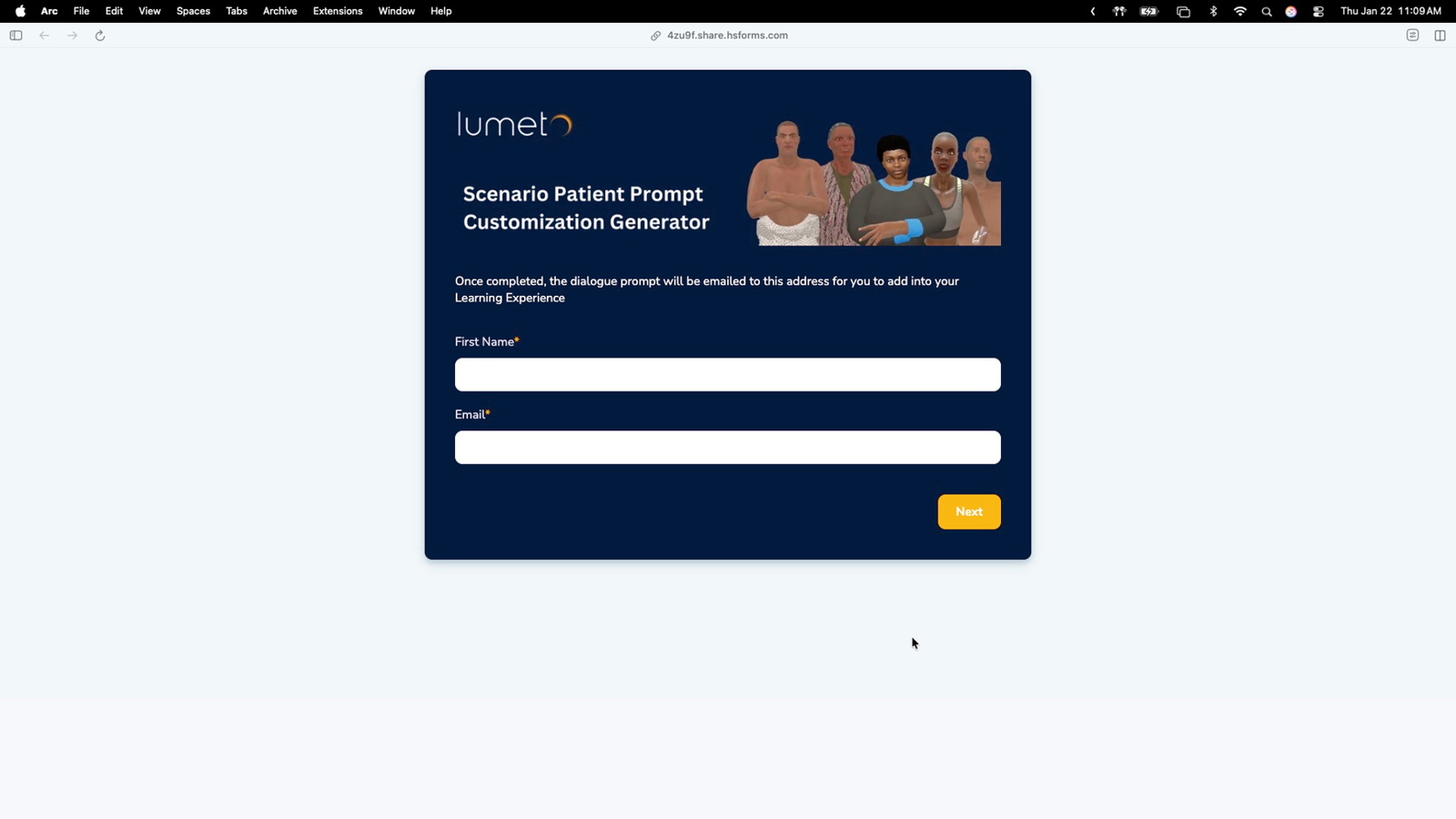
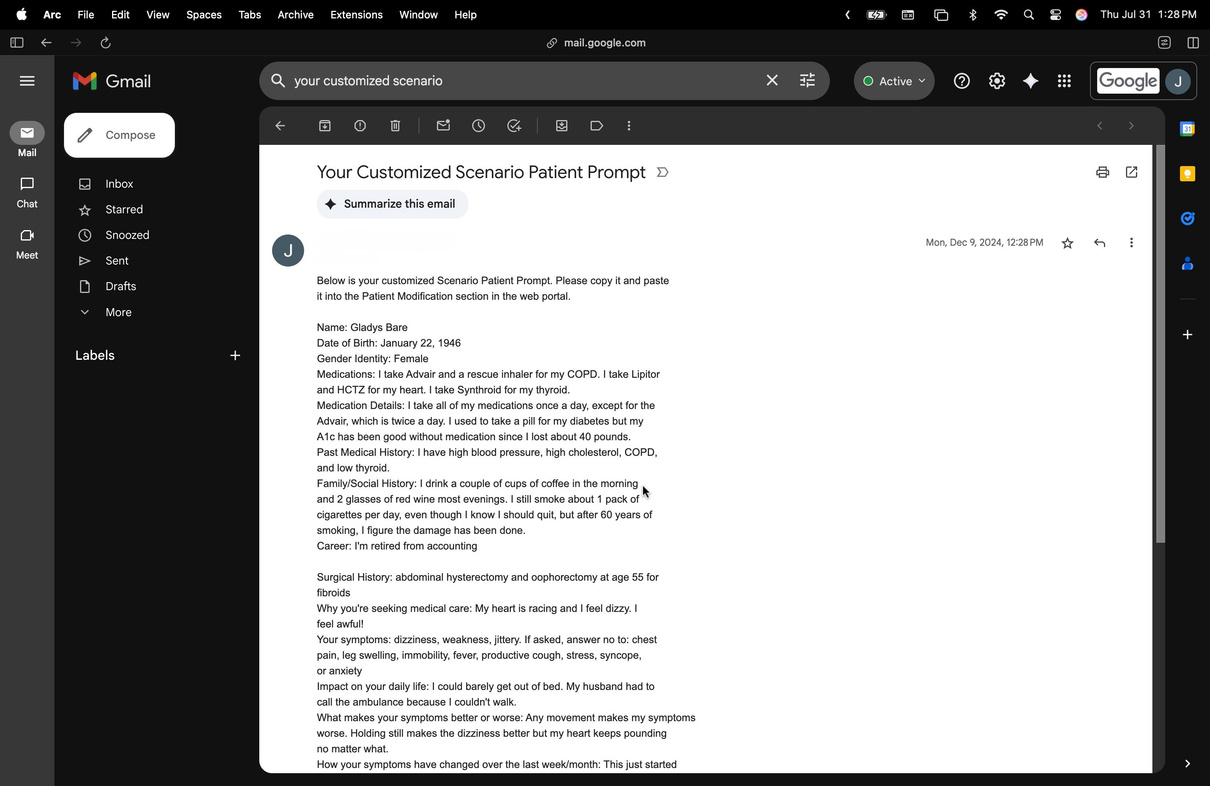
Our optional guided form walks you through background, tone and emotion, behaviour rules, and conditional triggers. The finished prompt is emailed to you, ready to paste into the Scenario Patient Prompt field.
🧠
Your patient has a voice.
Now set up how you'll assess the learner.
-1.png?width=150&height=66&name=Lumeto%20Logo%20Reverse%20Transparent%20(1)-1.png)