Intermediate
Build a case, step by step
Nine short video walkthroughs that take you from copying a case to testing it, in the order you'd build it. Tap any lesson to watch it here.
No lessons match that search. Try a shorter word, like "patient" or "test".
01Stage 1: Set up the case
Start from a working case and tell learners what it's about.
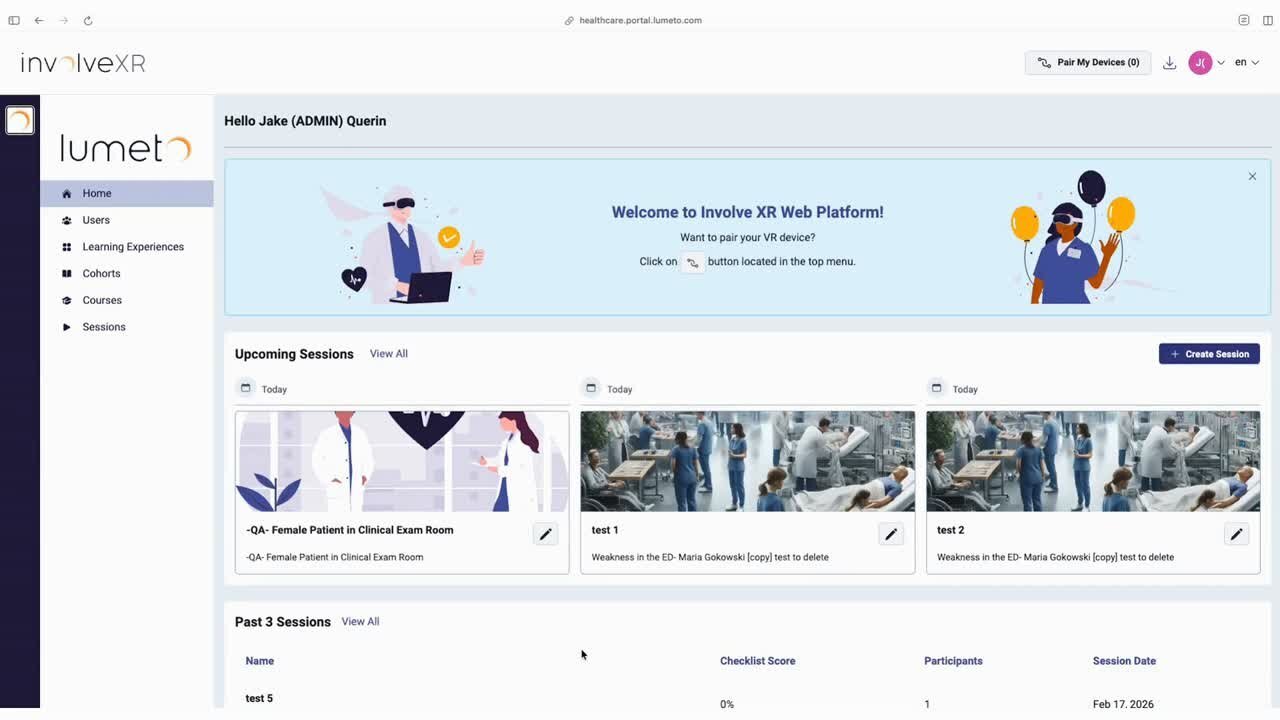 Lesson 1
Copying a case and choosing ILT or SDL
Copy a case from the library, name it, and pick instructor-led or self-directed.
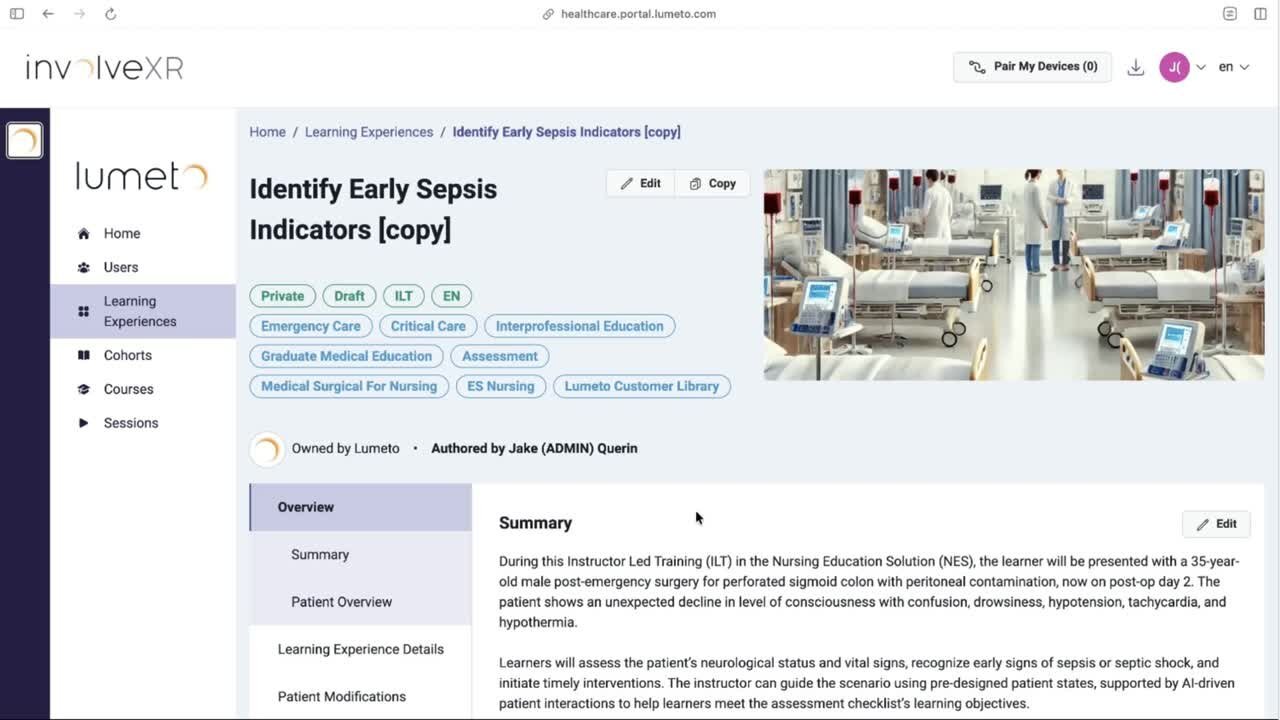 Lesson 2
Writing the summary, learner brief, and learning objectives
Give learners the key information, plus objectives that match what you'll assess.
⚠️
Pick the right room first
You can't change the environment after copying. Check Rooms, patients and modalities.
02Stage 2: Build the patient
Shape who the patient is, how they behave, and what learners can work with.
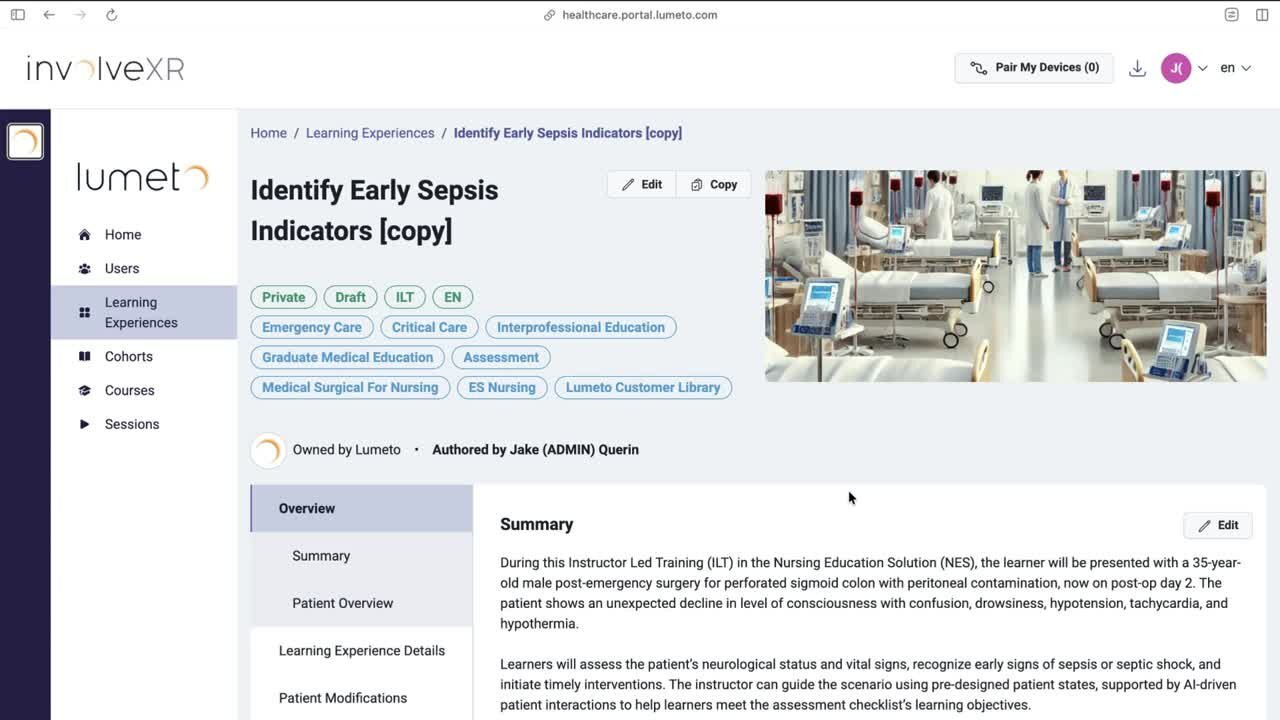 Lesson 3
Updating the patient and background
Set up the patient and their background so the scenario hangs together.
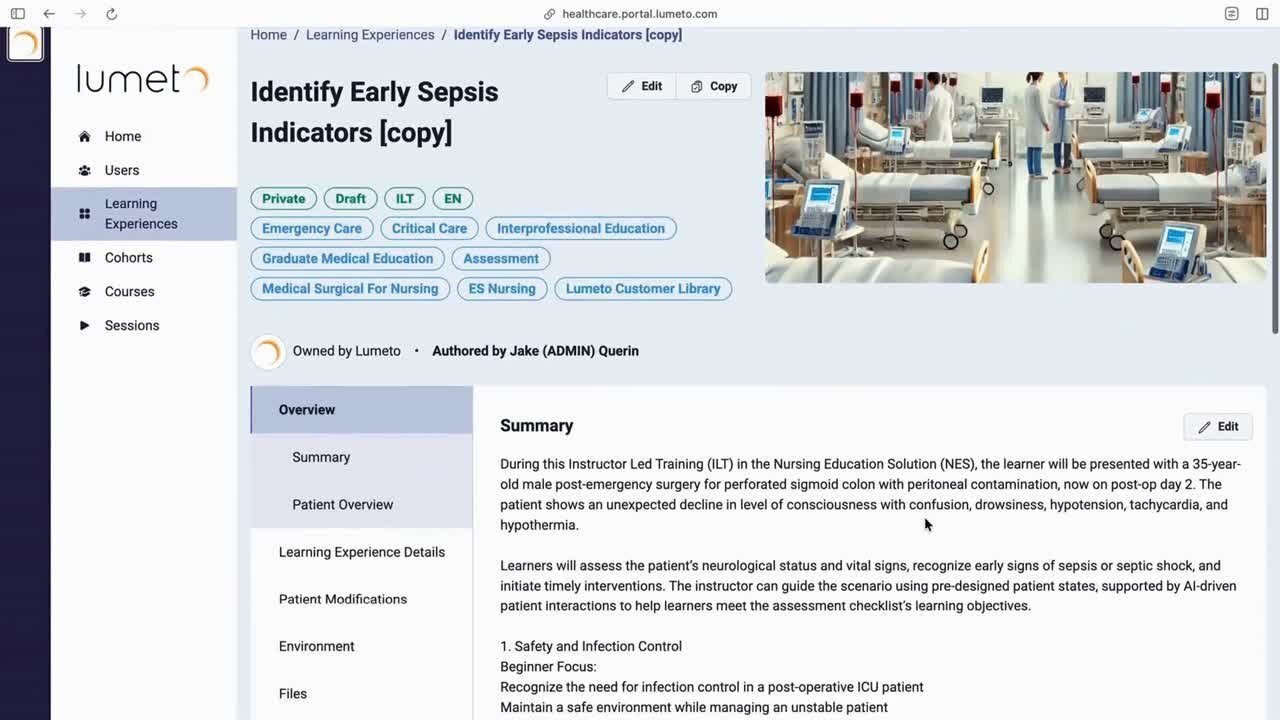 Lesson 4
Writing the patient prompt
Tell the AI how the patient should talk and react.
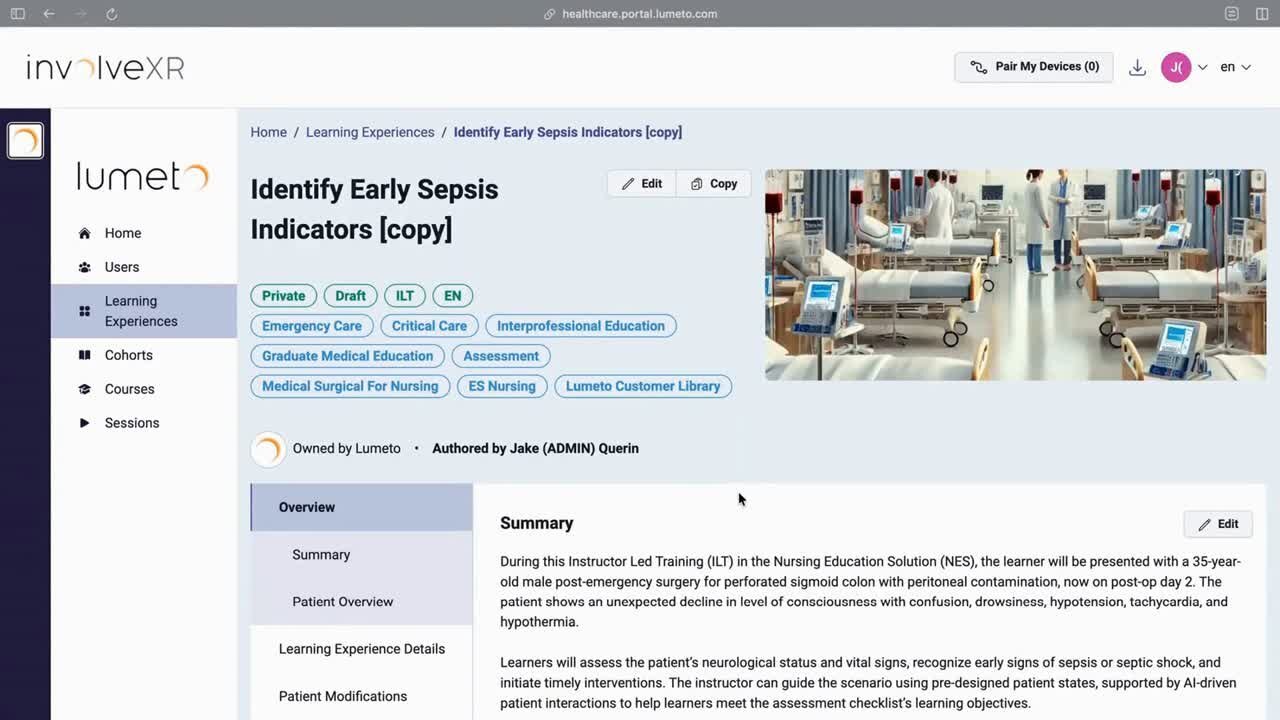 Lesson 5
Creating patient states and vitals
Define states and vitals that show how the patient changes.
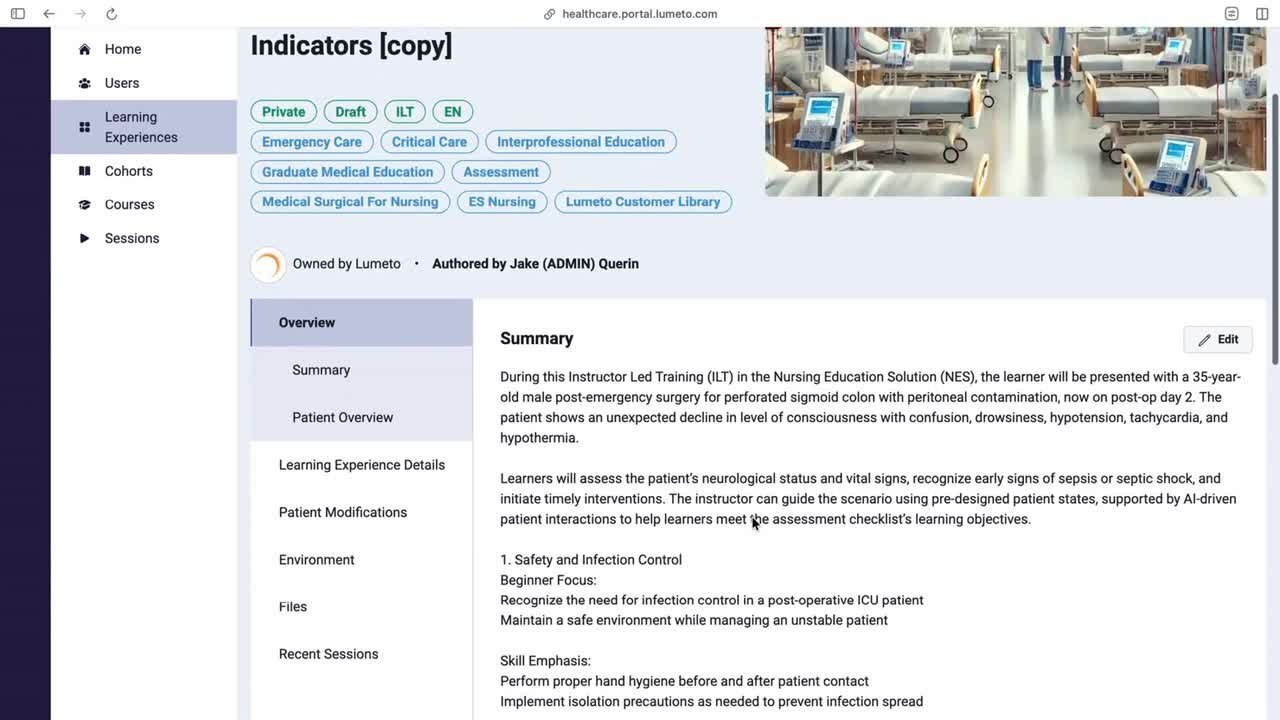 Lesson 6
Creating medications
Add medications learners can give, and set how they affect the scenario.
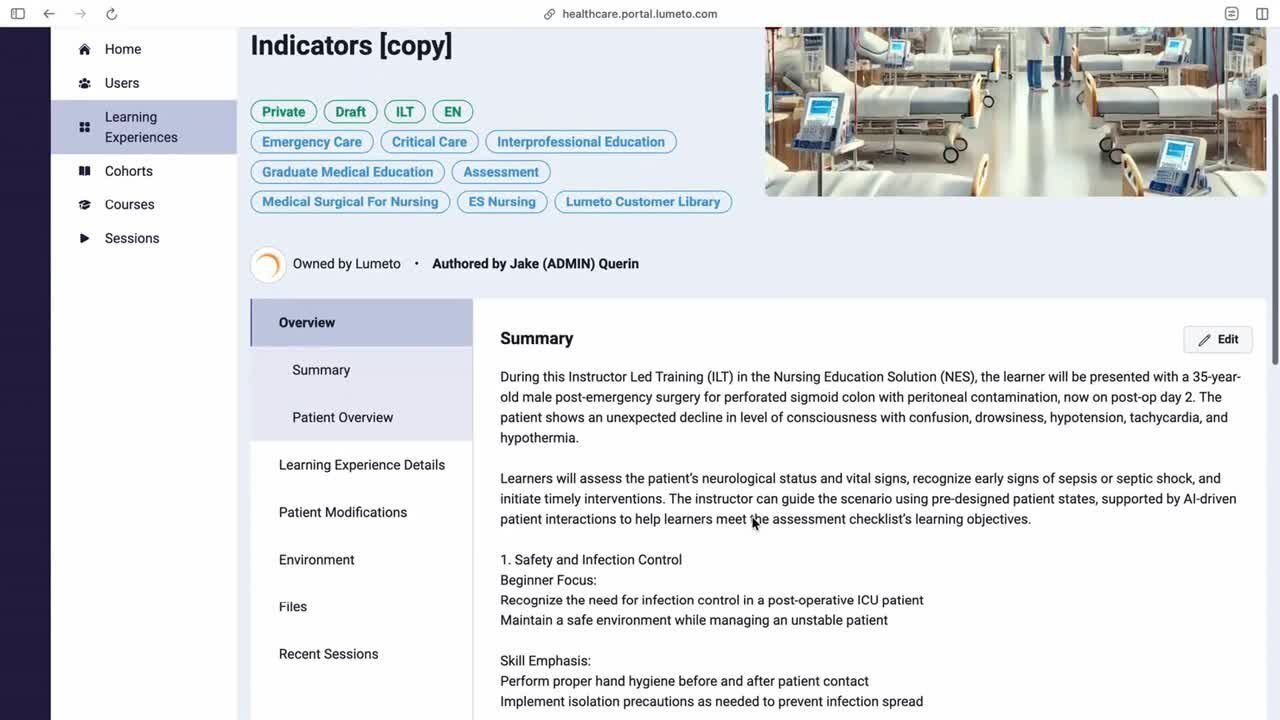 Lesson 7
Adding patient files
Upload files so learners have them at the right moment.
Prompt tools
Build a prompt with the guided form, or copy the template from the template case: open it, go to the prompt section, and copy the text.
03Stage 3: Assess and test
Decide what you'll track, then run it yourself before learners do.
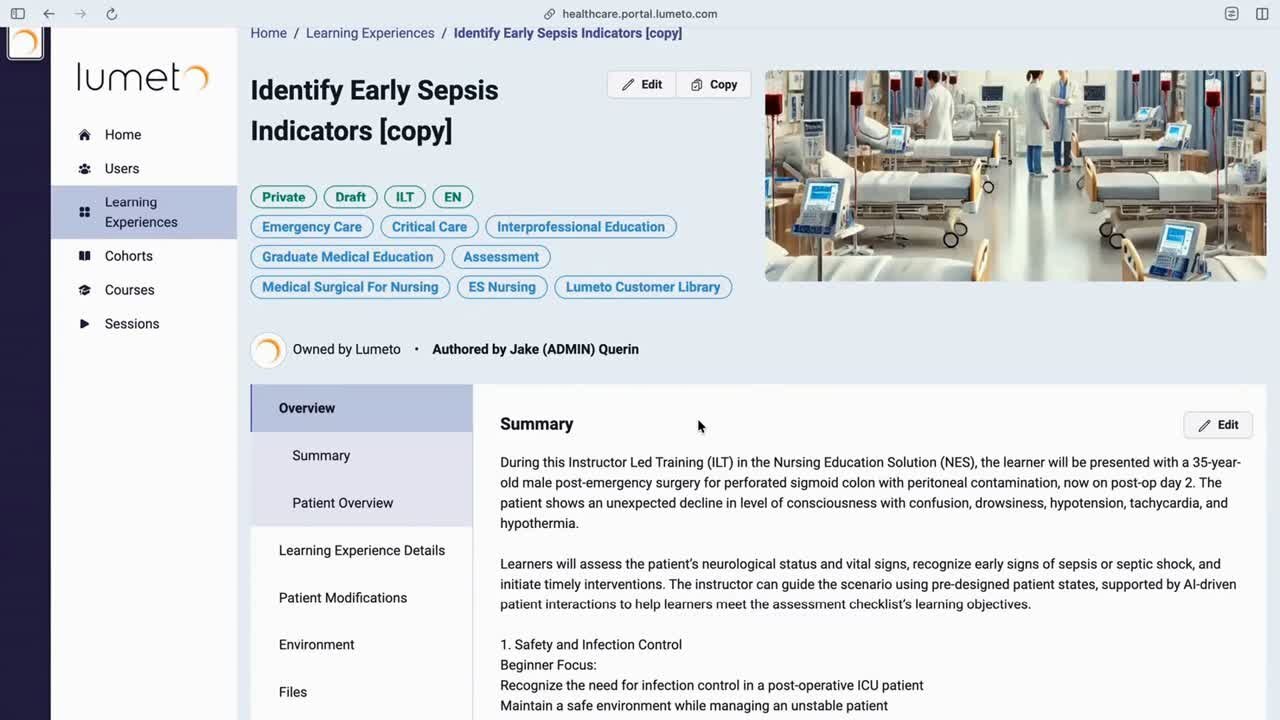 Lesson 8
Creating a checklist
Build the items you want tracked during the session and the debrief.
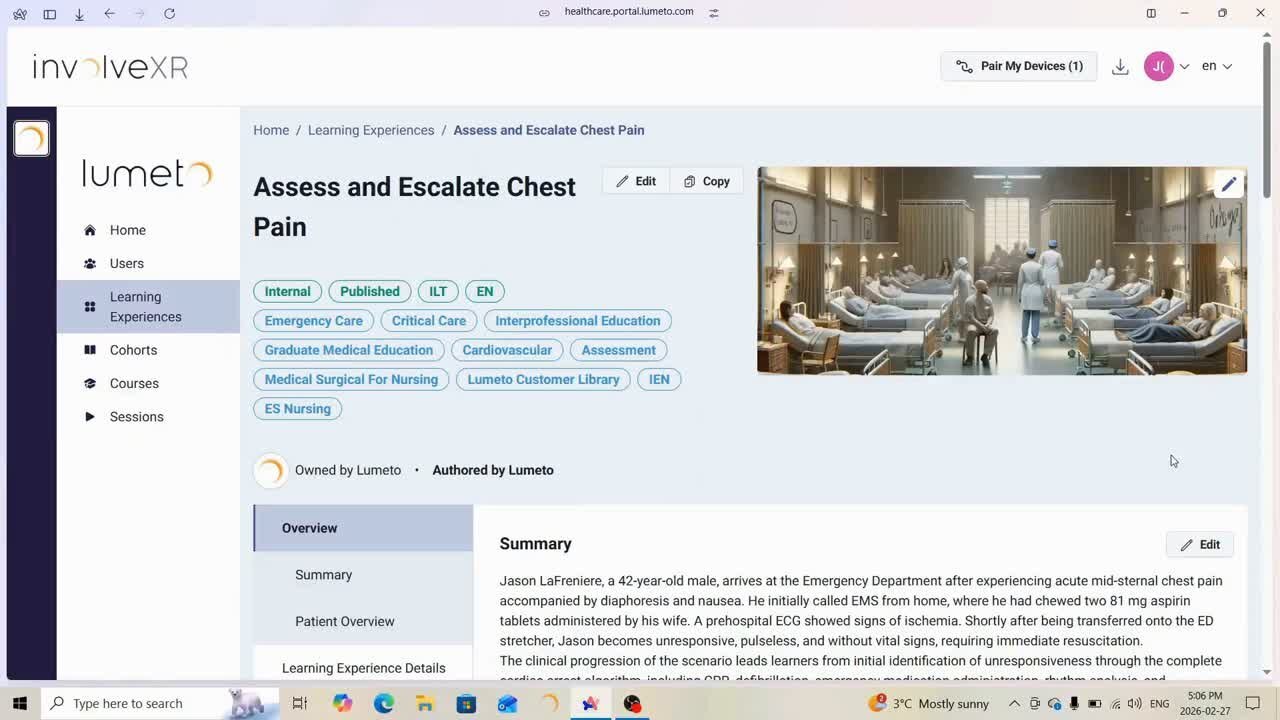 Lesson 9
Testing and previewing a case
Run a quick test to check states, checklist triggers, and media.
💡
Automate the checklist
Make items tick off on their own. See Customizing the assessment checklist.
⭐
Prefer to read?
Every step is also written up in Building a case and Writing an AI patient prompt.
🎬
You've built a case.
Now get it in front of learners.
-1.png?width=150&height=66&name=Lumeto%20Logo%20Reverse%20Transparent%20(1)-1.png)